AI Age Checker as a cinematic art-direction exercise
Build your cinematic age-study frame
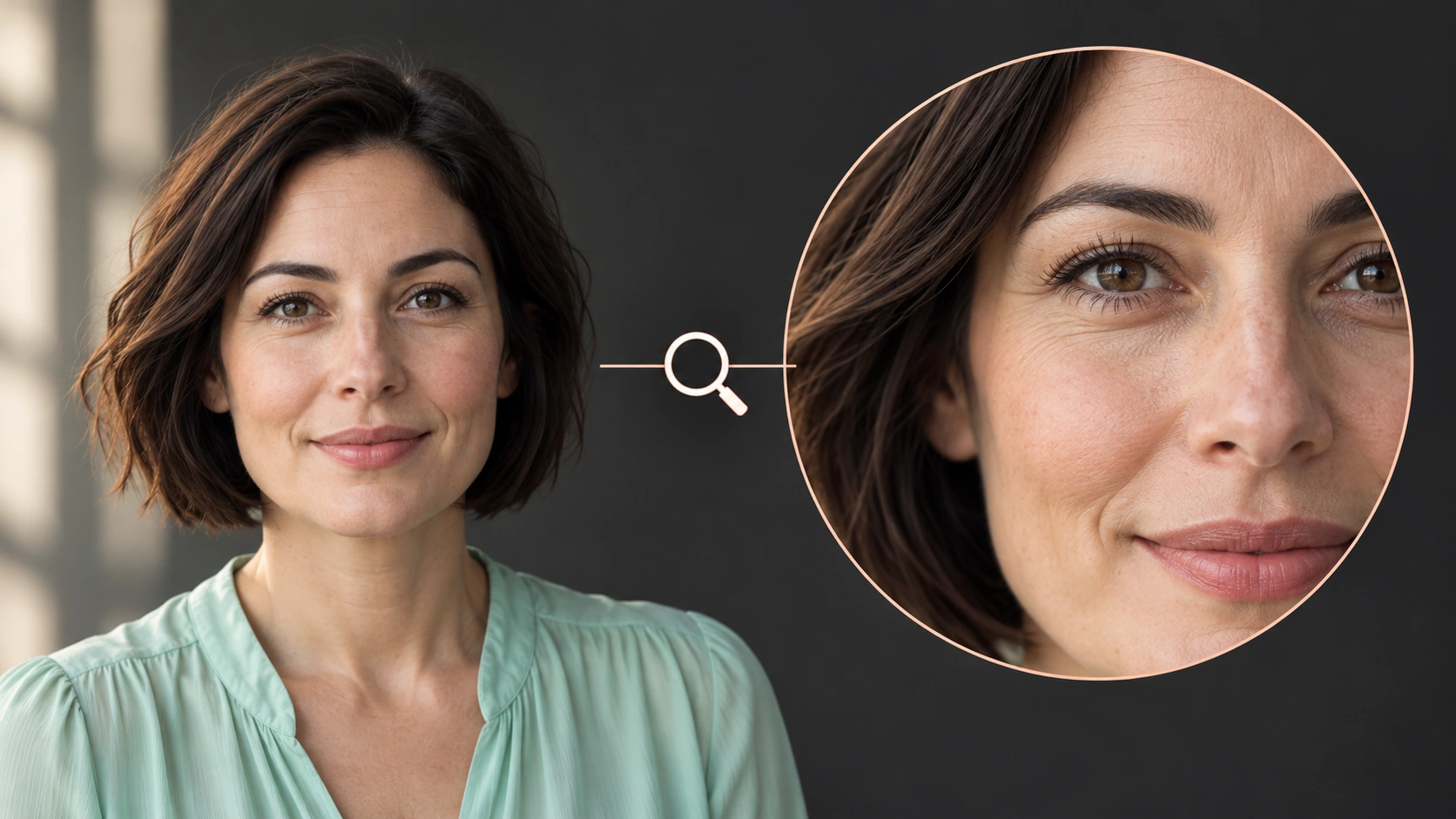
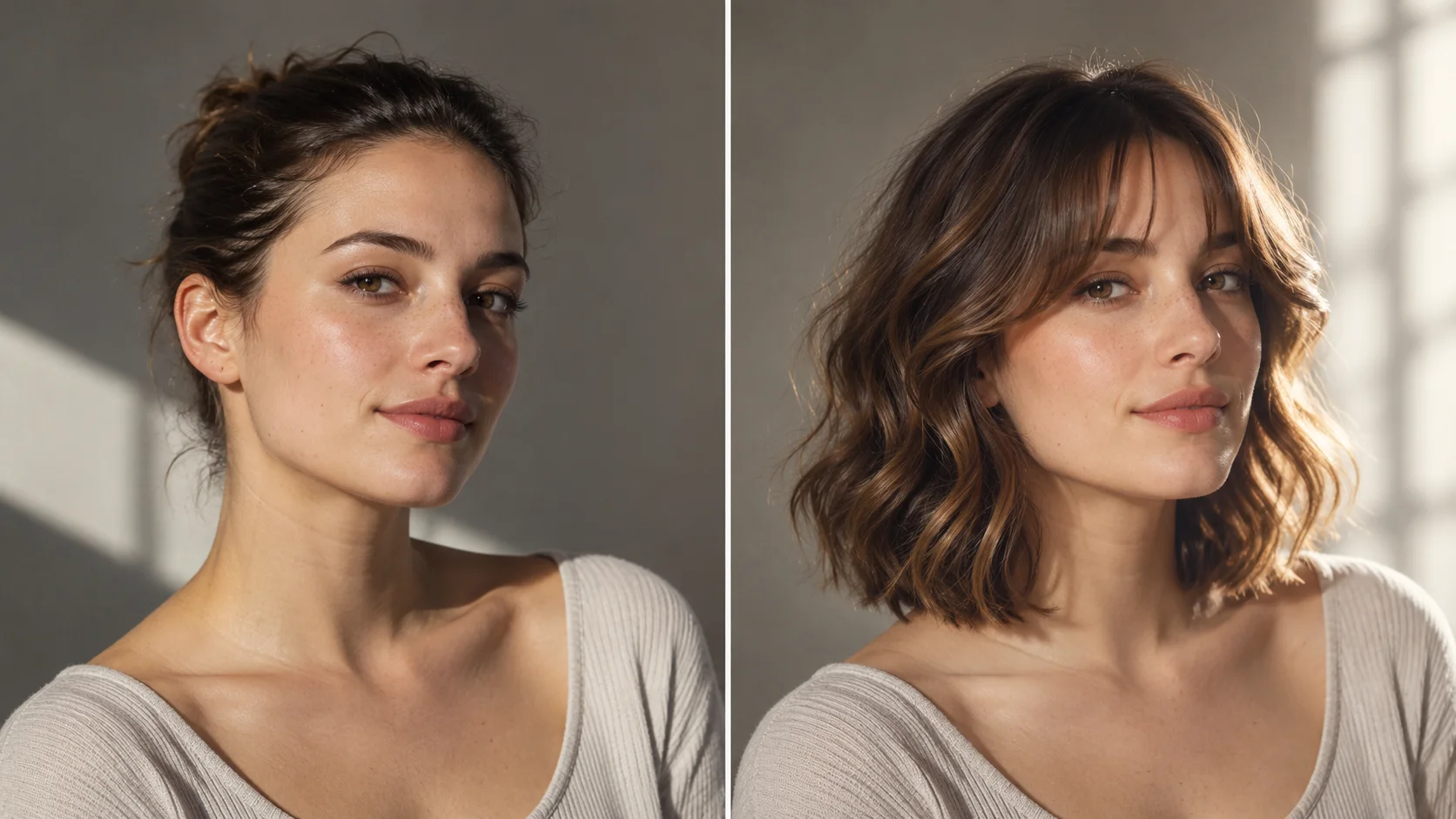
A clear adult portrait supports a careful review of visible facial cues.
History
The answers before you start
What does this tool make? An AI Age Checker explores the age a face appears to communicate in a photograph. Start with a clear adult portrait and ask for an approximate appearance-based age impression, keeping the person and image recognizable.
How do I start? Choose Image to Image for a photograph-led edit, upload the reference and describe one specific change. Text to Image starts from words and needs no uploaded image.
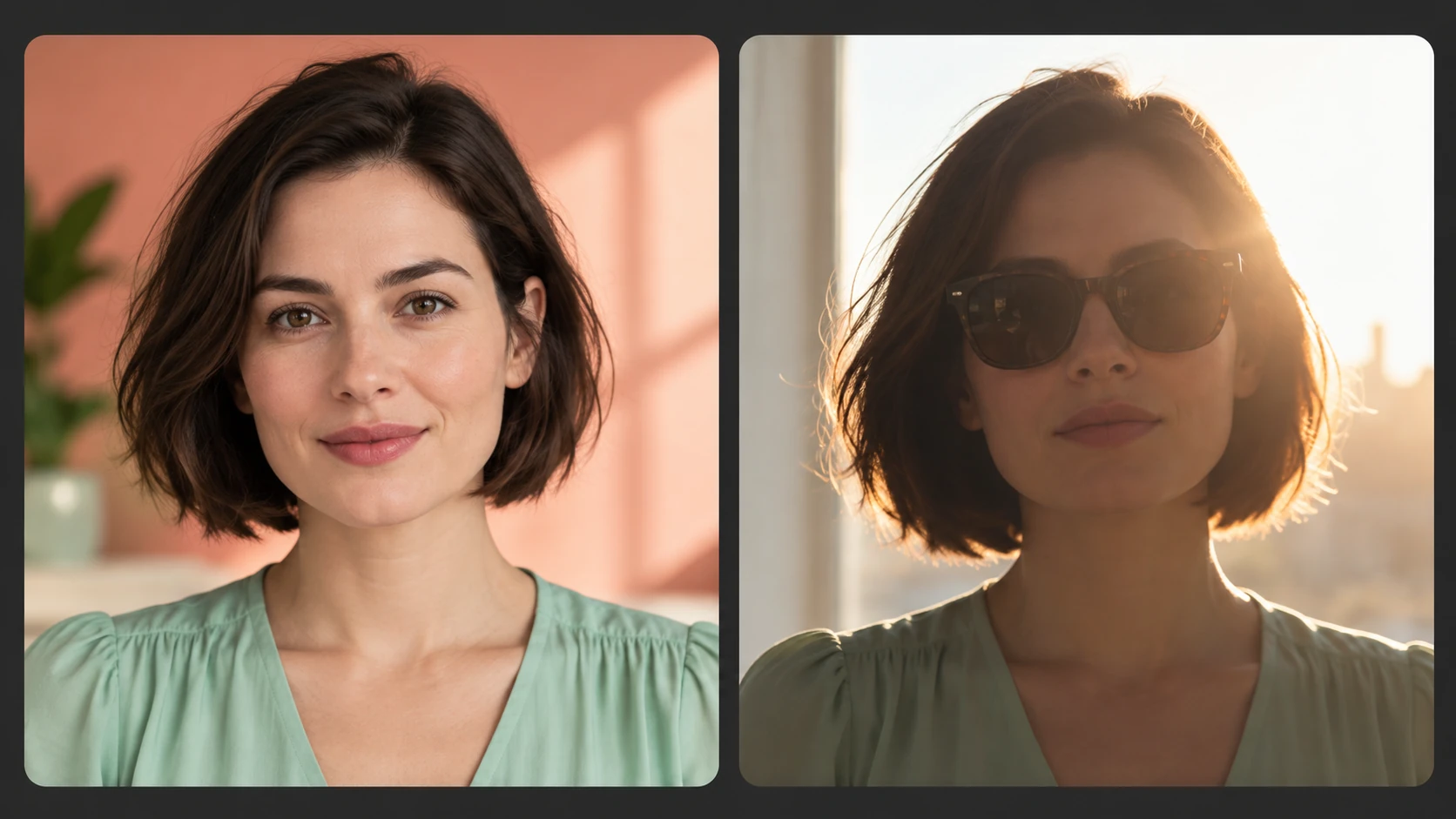
Which photo should I upload? Choose one adult face in a sharp, evenly lit head-and-shoulders portrait. A front or gentle three-quarter angle gives clearer cues than sunglasses, heavy beauty smoothing or a face partly lost in shadow.
Can I try it for free? You can read the guide and prepare the description before submitting. A generated image uses the quoted credits. Check your available balance and any current offer in the generator or Pricing before choosing to run it.
How much does a result cost? Use the live quote beside the generation action for this image. Changing the model or output settings can change that quote, so read it again before each new request.
When can I see the result? After submission, open History to follow the task. Queue demand, model and output settings affect completion. Preparing a photo or editing the description alone does not start a task.
An AI Age Checker explores the age a face appears to communicate in a photograph. Start with a clear adult portrait and ask for an approximate appearance-based age impression, keeping the person and image recognizable. Use the nearby generator to prepare a focused version, then compare the result with your reference.
A clear adult portrait supports a careful review of visible facial cues.
1
Choose and prepare an adult portrait
Start with a clear photo of an adult face. Even light and a relaxed expression give the model a clean base. Crop distractions like busy backgrounds or overlapping objects. Confirm the image is yours to use and that the subject is an adult, since this is appearance-only entertainment.
2
Set the camera language
Decide the framing and mood: close portrait, waist-up character study, or wider scene. Use the editable prompt to describe lens feel, light direction and palette. Adjust the available model controls to match that intent. Your direction shapes the stylized impression the model builds, so change one element at a time.
3
Read the quote and review
The live credit quote appears before you generate. Log in to start jobs, then check History to compare variations and revisit earlier directions. Judge each result as an editorial sketch of an age impression. Nothing in the image is a validated estimate, score or personal fact about the person pictured.
Keep the important details readable
Compare the assessment across ordinary light and styling changes. An appearance estimate is not a verified age or a reliable way to establish someone’s identity. For this direction, explicitly retain the adult subject, natural skin texture, expression and camera angle.
Where a directed age study helps
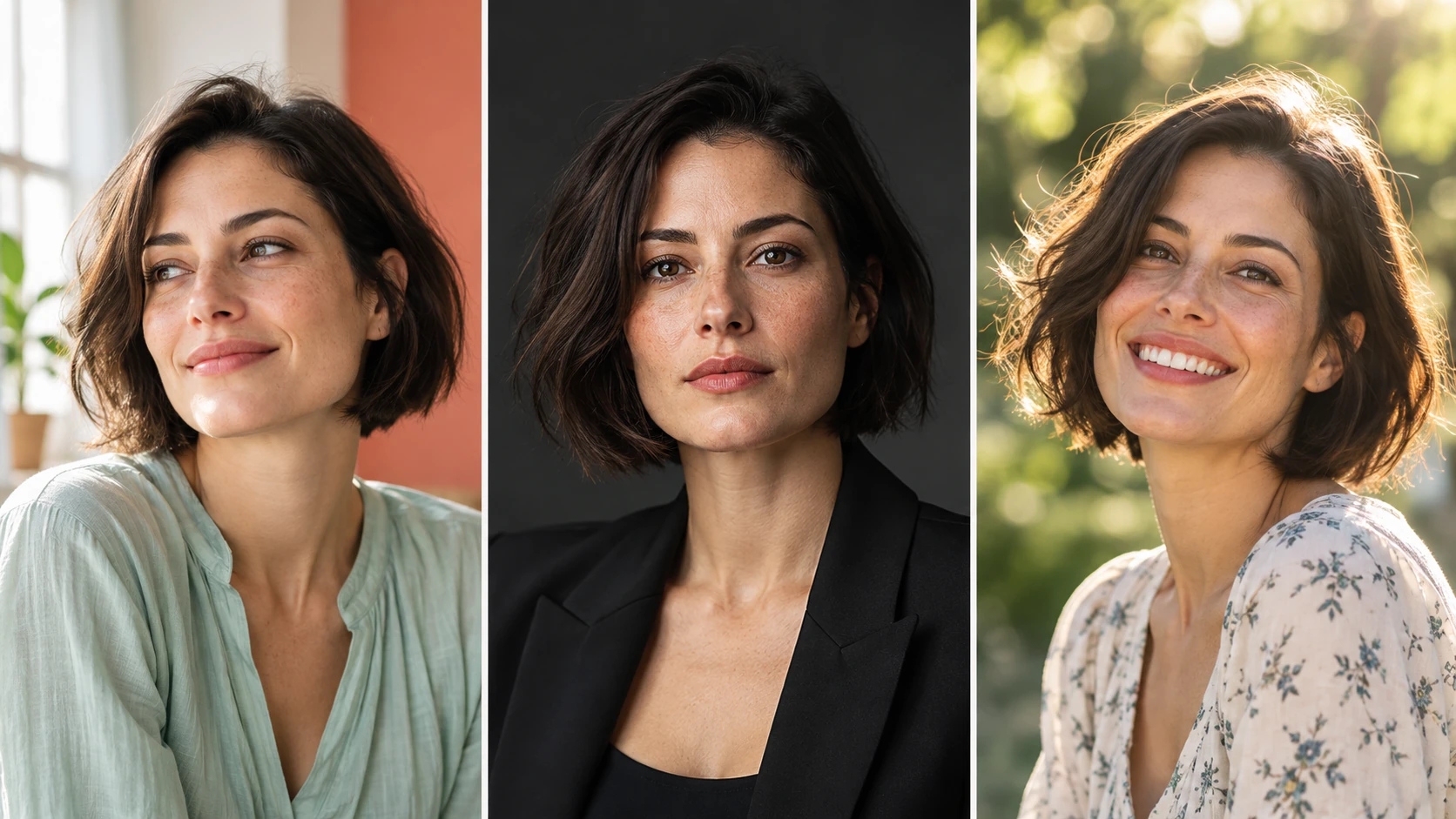
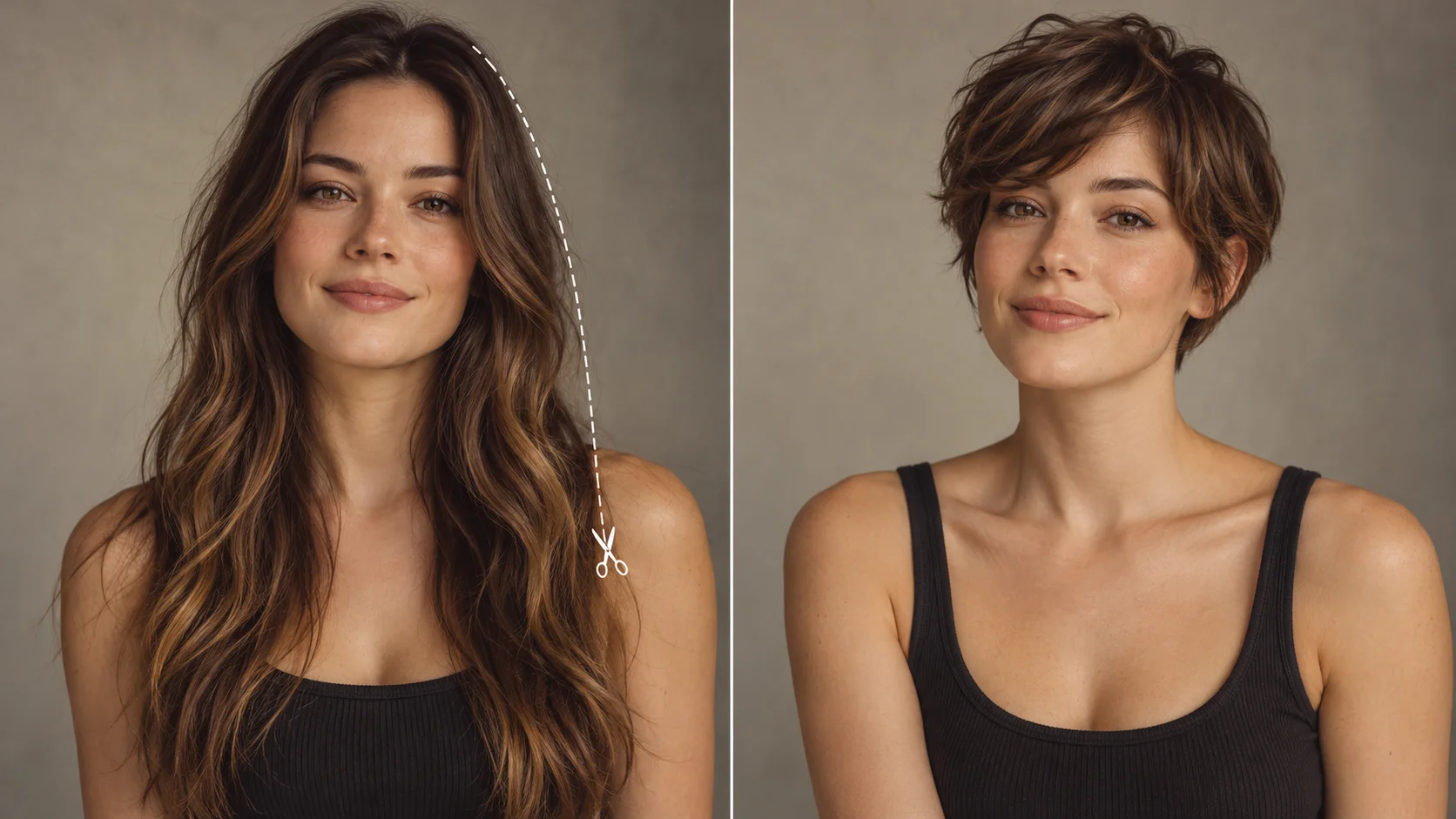
Expression, illumination and styling can change the age impression of a photograph.
Character aging for a short film
A director wants to show a character across decades. Upload an adult cast portrait, describe a warm 35mm close-up, and use the stylized card as a mood reference rather than a casting decision.
Editorial portrait series
A photographer plans a themed set about passing time. Vary the light and framing in the prompt to build a consistent visual language, then compare versions in History before the real shoot.
Storyboard mood board
A writer illustrates a scene where a face carries the weight of years. A wide, cool-toned composition with deep shadow gives a reference image for tone, not a factual depiction of anyone.
Preparation and review notes
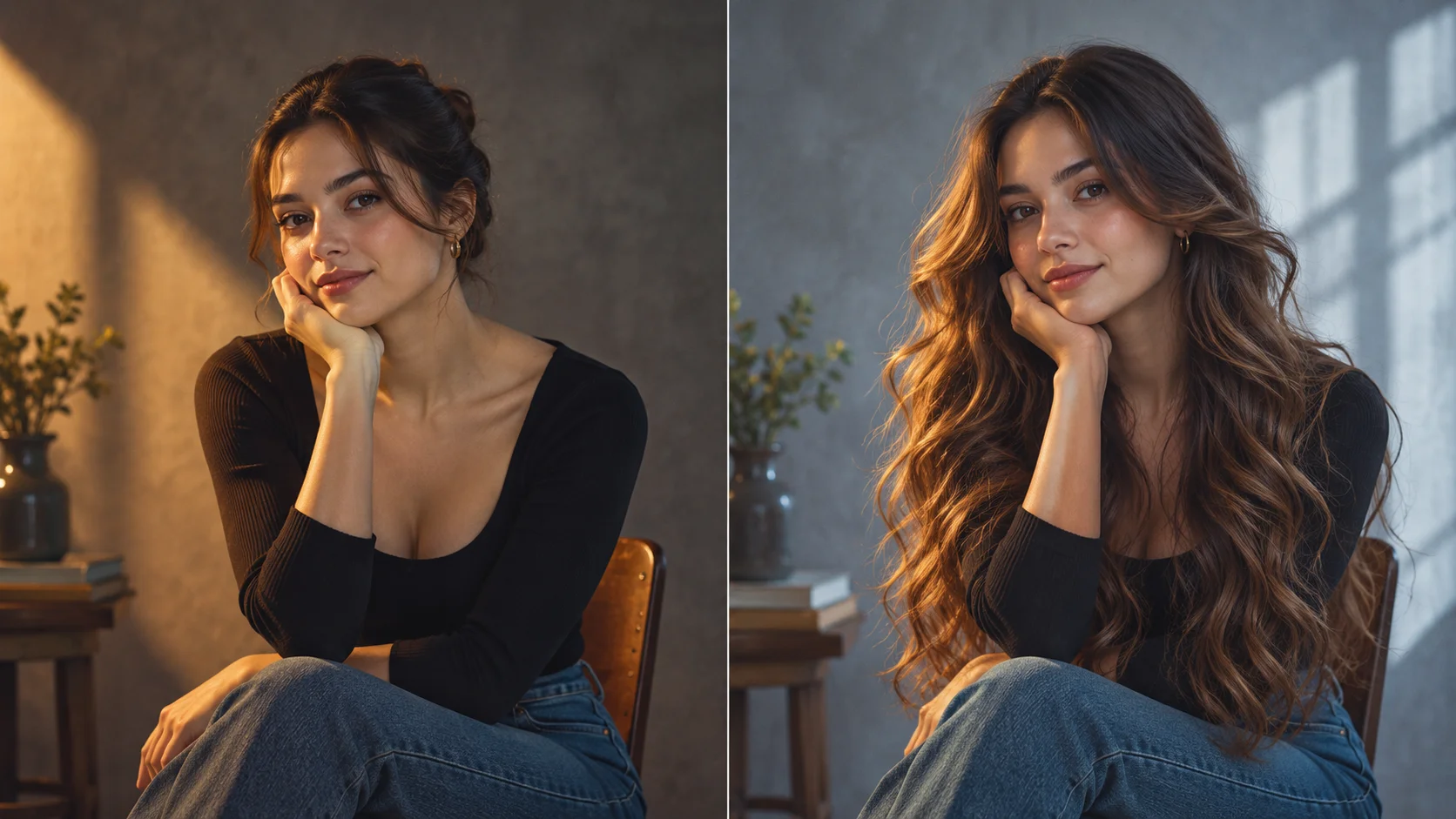
Even light and an unobstructed face provide more readable reference information.
Choose one adult face in a sharp, evenly lit head-and-shoulders portrait. A front or gentle three-quarter angle gives clearer cues than sunglasses, heavy beauty smoothing or a face partly lost in shadow.
Describe one camera idea per run, such as a low-angle medium shot with soft window light, so comparisons stay clear.
Keep the uploaded portrait neutral and well lit; heavy filters or extreme angles muddy the age impression.
Check the live credit quote and your History list before generating a batch of variations.
Write a direction you can compare
Name the change first, then name the details that should stay. For this ai age checker request, keep the adult subject, natural skin texture, expression and camera angle. A short, specific direction gives you a useful basis for comparing the next version.
Keep this adult portrait unchanged in identity, expression and framing. Present a concise approximate apparent-age impression based on the visible face, avoiding an exact birth-date claim or changes that make the person younger.
Compare the assessment across ordinary light and styling changes. An appearance estimate is not a verified age or a reliable way to establish someone’s identity. When you revise, keep the other inputs steady. That makes it easier to tell whether a wording change helped the image.
Credits, waiting and the next version
The quote belongs to the actual model and output settings selected in the generator. A different model, aspect ratio or available resolution may change the cost. Check the current amount where you generate, and use Pricing when you need to compare the site’s available purchase options. Any free-credit offer depends on the eligibility and terms shown there.
Once submitted, follow the existing task in History while it is queued or processing. The chosen model and current demand affect how long it takes; this guide does not set a fixed delivery time. Inspect the completed image at a useful size before paying for another version. If you want an adjustment, keep the original photo and describe the one change you need.
AI Age Checker questions
What does the AI Age Checker actually produce?
It produces a stylized, approximate visual impression of appearance age from an adult portrait. It is entertainment only and is not a validated age estimator, identity check or medical assessment.
What kind of photo works best as input?
Use a clear adult portrait with even lighting and a relaxed expression. Avoid heavy filters, occlusions and extreme angles. The model responds to visible structure and tone, so a simple, readable face gives the prompt more room to direct.
How much does camera direction change the result?
Framing, light and palette strongly shape the mood of the stylized card. A tight shadowed close-up feels different from a soft wide shot. Change one camera element at a time if you want to compare directions cleanly in History.
Does the card give an accurate numeric age?
No. There are no accuracy percentages, measurement scores or guaranteed numeric correctness. The result is a generic model illustration of an age idea, and it should never be used to verify or judge a real person.
How do quotes and accounts work?
A live credit quote is displayed before generation, and you log in to run jobs.
How can I make a useful second version?
Keep the original reference and the version you want to improve. Compare the assessment across ordinary light and styling changes. An appearance estimate is not a verified age or a reliable way to establish someone’s identity. Change one part of the description, such as position, shape or light, so the next result answers a clear question.
Direct a face study now
Upload an adult portrait, describe your framing and light, then generate a stylized age card.