AI Face in Hole Generator
Explore a related face-in-hole image workflow.


Loading history…
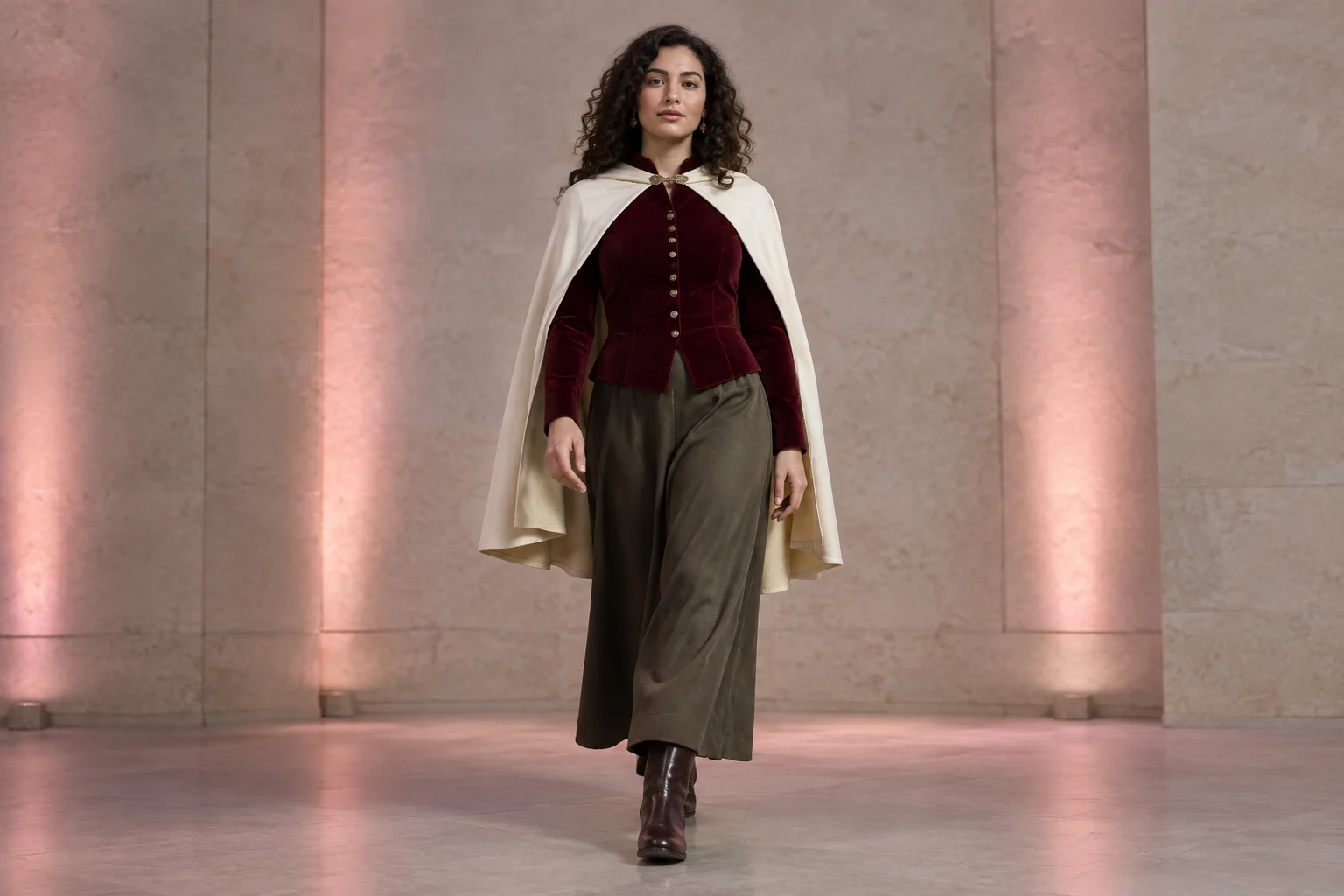
The Ramalama AI Video Generator gives you a way to plan a short costume-entrance concept on faceinhole.app, using text-to-video or one starting image. This guide takes a portrait-led approach: one adult woman with dark curly hair, a burgundy velvet jacket, and an ivory shoulder cape makes one measured forward step against pale stone walls and soft rose spotlights. Keep the face visible, the outfit silhouette uncluttered, and the motion modest. Select Seedance 2.5, write a separate prompt for the mode you choose, and check the current model access and credit information shown on screen before submitting.
Build the concept around one adult woman. Decide whether you are creating from text alone or starting from one reference image. Keep the face visible and plan a full-body composition with generous margins so the outfit and feet have room in frame.
Choose text-to-video or the one-starting-image workflow, then select Seedance 2.5 if it is available to you. Check the current access and credit information displayed on screen before moving on. Submit only the input allowed by the mode you selected.
Use the generate prompt for text-to-video; it does not require an upload. Use the edit prompt only with a starting image, and direct it to preserve visible reference features while adding a simple, slow walk. Avoid combining the two prompts or adding a second subject.
Submit the chosen mode and check its status in History, which tracks tasks. When the result is available, assess face visibility, outfit outline, feet, and the restrained forward step. If you revise, adjust the prompt or reference deliberately; do not assume exact identity or motion.
A portrait-led entrance is easier to plan when the shot has one clear action. Here, the subject takes one measured step rather than performing a complex walk. Pale stone walls and soft rose spotlights provide a simple setting, while the cape and jacket create a distinct silhouette. The aim is to give your chosen mode a focused description, not to promise an exact motion or identity outcome.
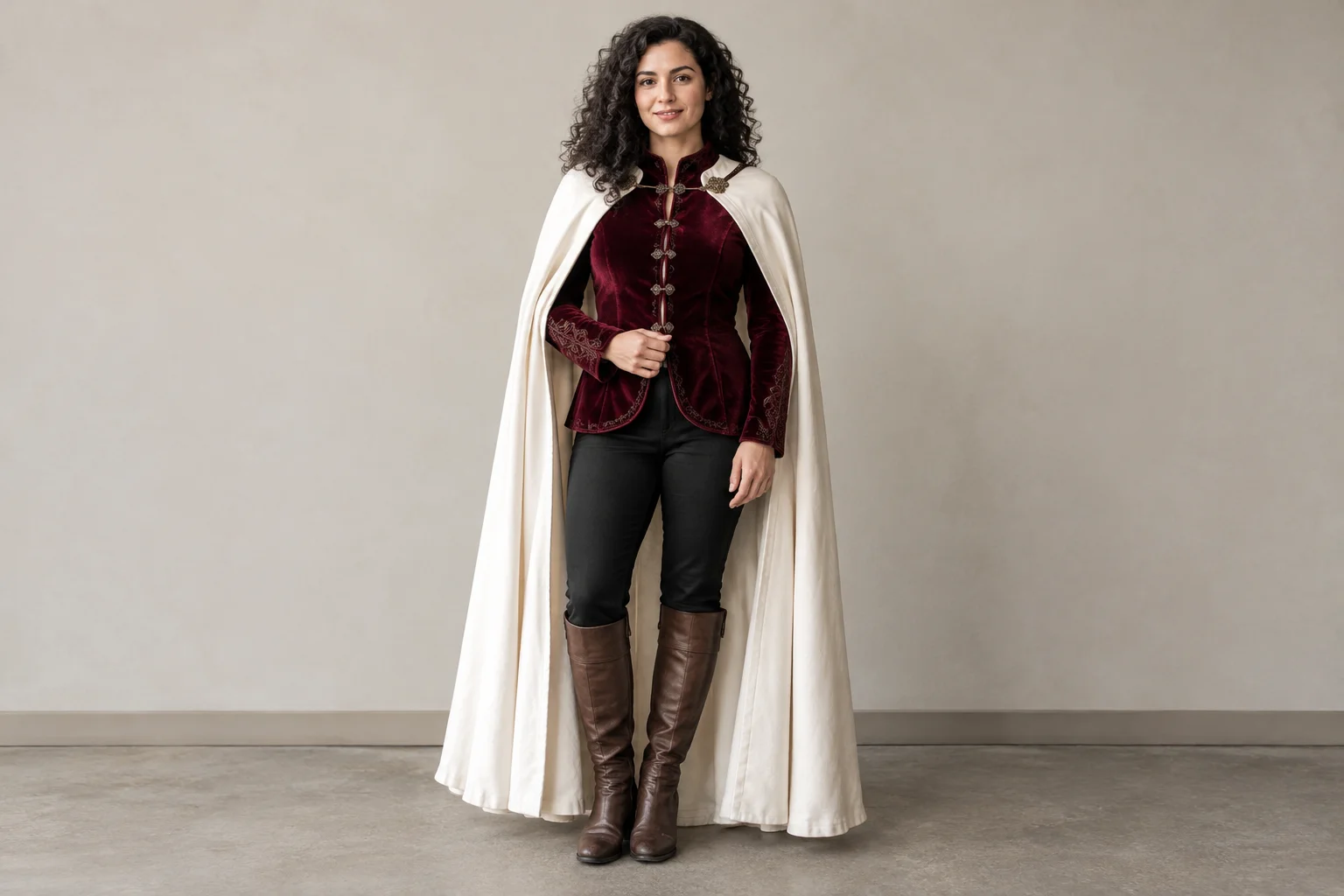
Use text-to-video when you want to describe the subject, outfit, setting, framing, and action in words; this mode needs no upload. Use the one-starting-image route when you have a suitable reference portrait to provide. Each mode accepts only its allowed input, so do not assume that text-to-video also takes an image or that the starting-image route accepts multiple images. For a reference, favor a straight-on, full-body portrait with even light, a relaxed pose, and enough space to see the feet and clothing.
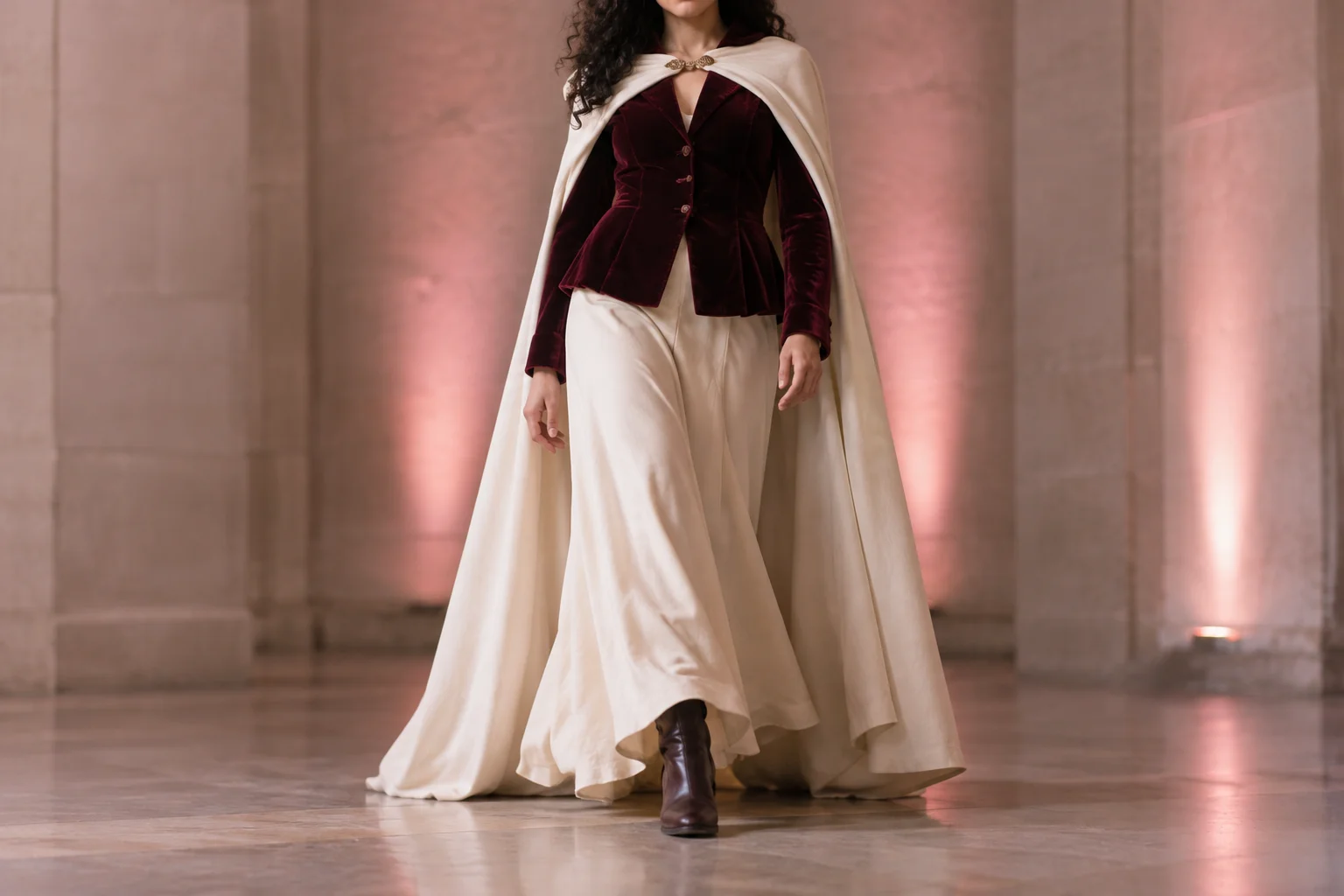
A visible face and an uncluttered outfit silhouette are the priorities. Describe the camera position and a single step, then keep the setting and lighting restrained. If a detail matters, make it explicit: whole feet in frame, cape edges readable, composed expression, and no extra people or props. Motion and resemblance are not guaranteed, so treat the prompt as direction for a concept and review the result rather than assuming every detail will be exact.
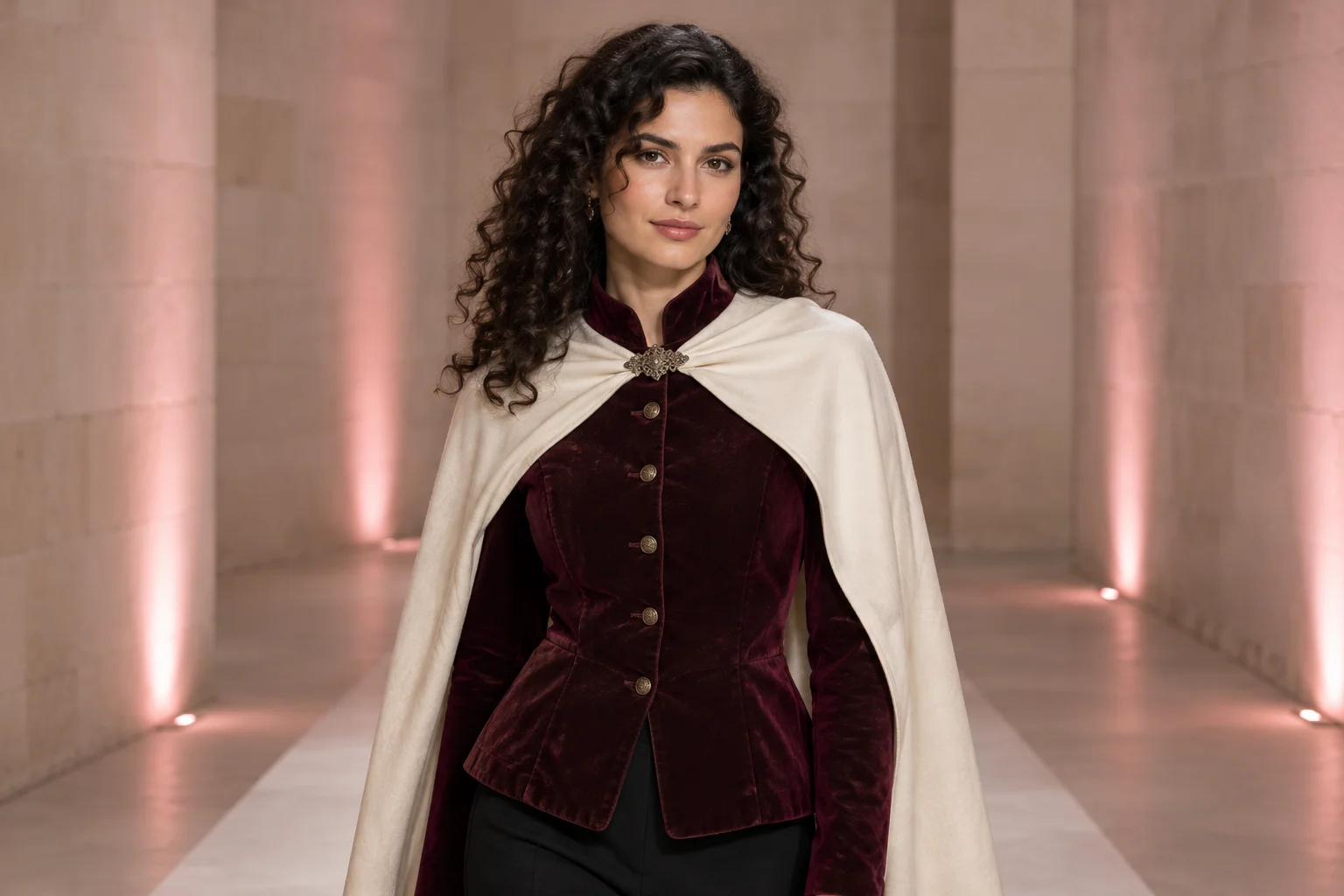
Select Seedance 2.5 in the available model options, then check the current on-screen model access and credit information before submitting. Access and credit requirements can change, so rely on what the page shows now rather than an assumed price or quota. Completion time can vary; use the task status shown in the interface. History tracks tasks, making it the place to check on submitted work.
Watch how the performer’s face stays visible while the purple cape opens during a costume dance. For your portrait entrance, simplify the movement to one measured forward step.
It is the video-generation option covered in this faceinhole.app guide. The page’s practical focus is creating a portrait-led costume-entrance concept with one subject, a visible face, and a measured step.
Choose text-to-video or one starting image, select Seedance 2.5 if available, and use the separate prompt for that mode. Check the current on-screen access and credit details, submit, then follow the task in History.
Not for text-to-video; that route uses a written prompt and needs no upload. The other route uses one starting image. Each mode submits only its allowed input.
Check the current credit and model-access information displayed on screen before submitting. This guide does not state a price, free quota, or guaranteed access because those details may depend on the current offering.
There is no fixed completion time promised here. Check the task status in the interface and use History to track submitted tasks.
Exact identity and motion are not guaranteed. Keep the prompt specific, use a clear reference if you choose the starting-image route, and review the result for visible face detail, readable fabric edges, and the intended simple movement.
faceinhole.app · Updated