Is AI Hairstyle Online Free? Direct a Cinematic Hair Preview
Build a hairstyle prompt with camera intent
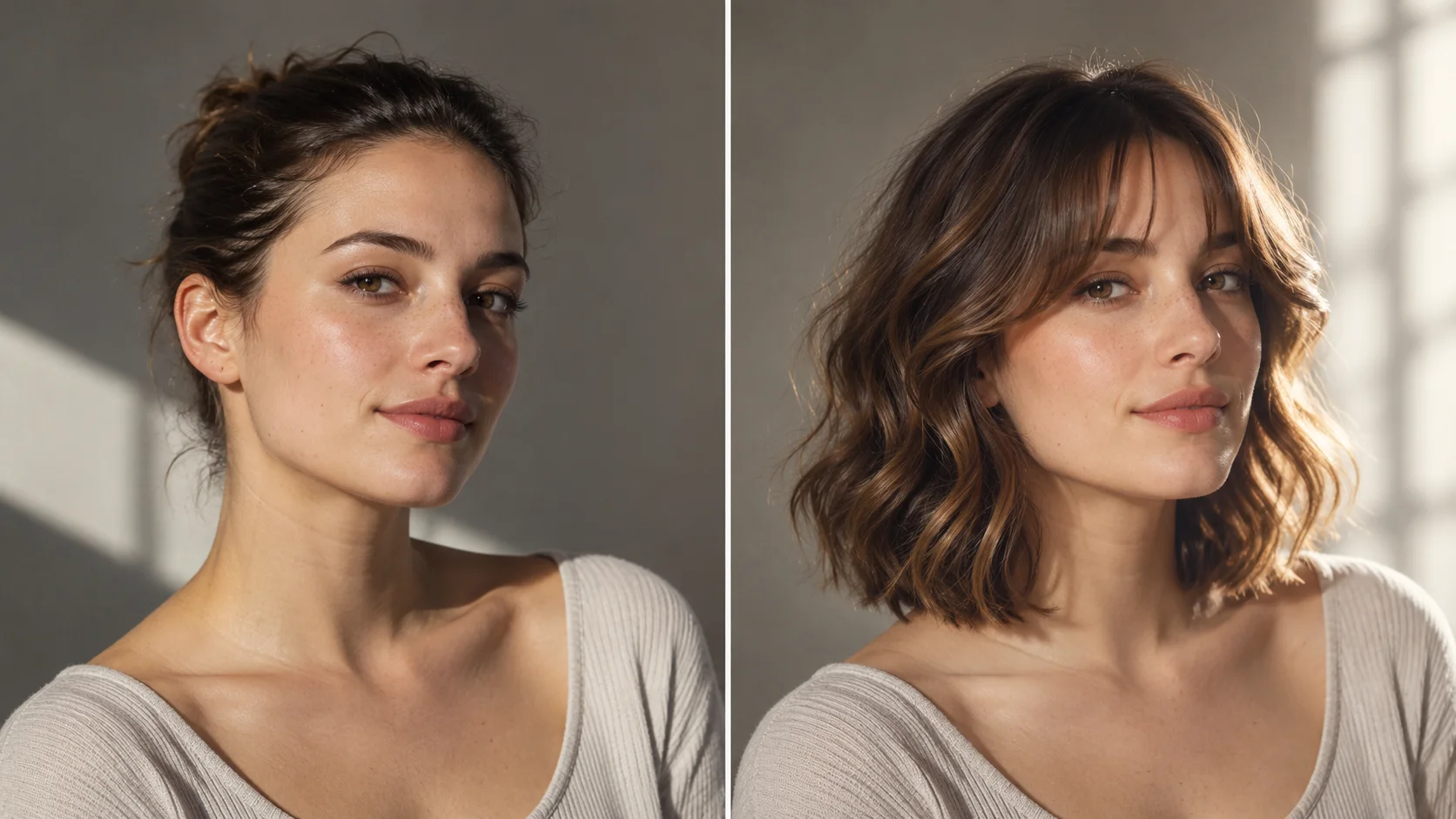
One stable portrait makes different hair silhouettes easier to compare.
History
The answers before you start
What does this tool make? Use the AI Hairstyle Generator to explore how a new silhouette frames your face before choosing a cut. Keep the portrait steady and describe the length, part, fringe and texture you want to compare.
How do I start? Choose Image to Image for a photograph-led edit, upload the reference and describe one specific change. Text to Image starts from words and needs no uploaded image.
Which photo should I upload? Upload one clear adult portrait with the whole head and both shoulders visible. Choose soft, even light and keep hair away from important facial features. Leave enough background around the head for the new shape.
Can I try it for free? You can read the guide and prepare the description before submitting. A generated image uses the quoted credits. Check your available balance and any current offer in the generator or Pricing before choosing to run it.
How much does a result cost? Use the live quote beside the generation action for this image. Changing the model or output settings can change that quote, so read it again before each new request.
When can I see the result? After submission, open History to follow the task. Queue demand, model and output settings affect completion. Preparing a photo or editing the description alone does not start a task.
Use the AI Hairstyle Generator to explore how a new silhouette frames your face before choosing a cut. Keep the portrait steady and describe the length, part, fringe and texture you want to compare. Use the nearby generator to prepare a focused version, then compare the result with your reference.
One stable portrait makes different hair silhouettes easier to compare.
1
Choose the source photo
Pick an adult portrait where the face is clear and evenly lit. Front-facing or slight three-quarter angles read best. Avoid heavy filters, cropped foreheads and strong shadows that hide the hairline. Note the crop you want, because framing changes how much hair shape and fringe you can judge.
2
Direct length, fringe, texture, color
Write those four variables into the prompt, plus the camera language you want: close-up, waist-up, side key light, soft backlight. Use the available model controls as provided on the generator. Keep one direction per run so you can compare fairly, and change a single variable between versions rather than rewriting everything.
3
Read the quote, generate, review
The live credit quote is displayed before you run a job. Check it against your account balance and current account rules. After generation, open History and compare results at the same crop. Save the prompt wording that worked and note which camera choices helped the hair read clearly.
Keep the important details readable
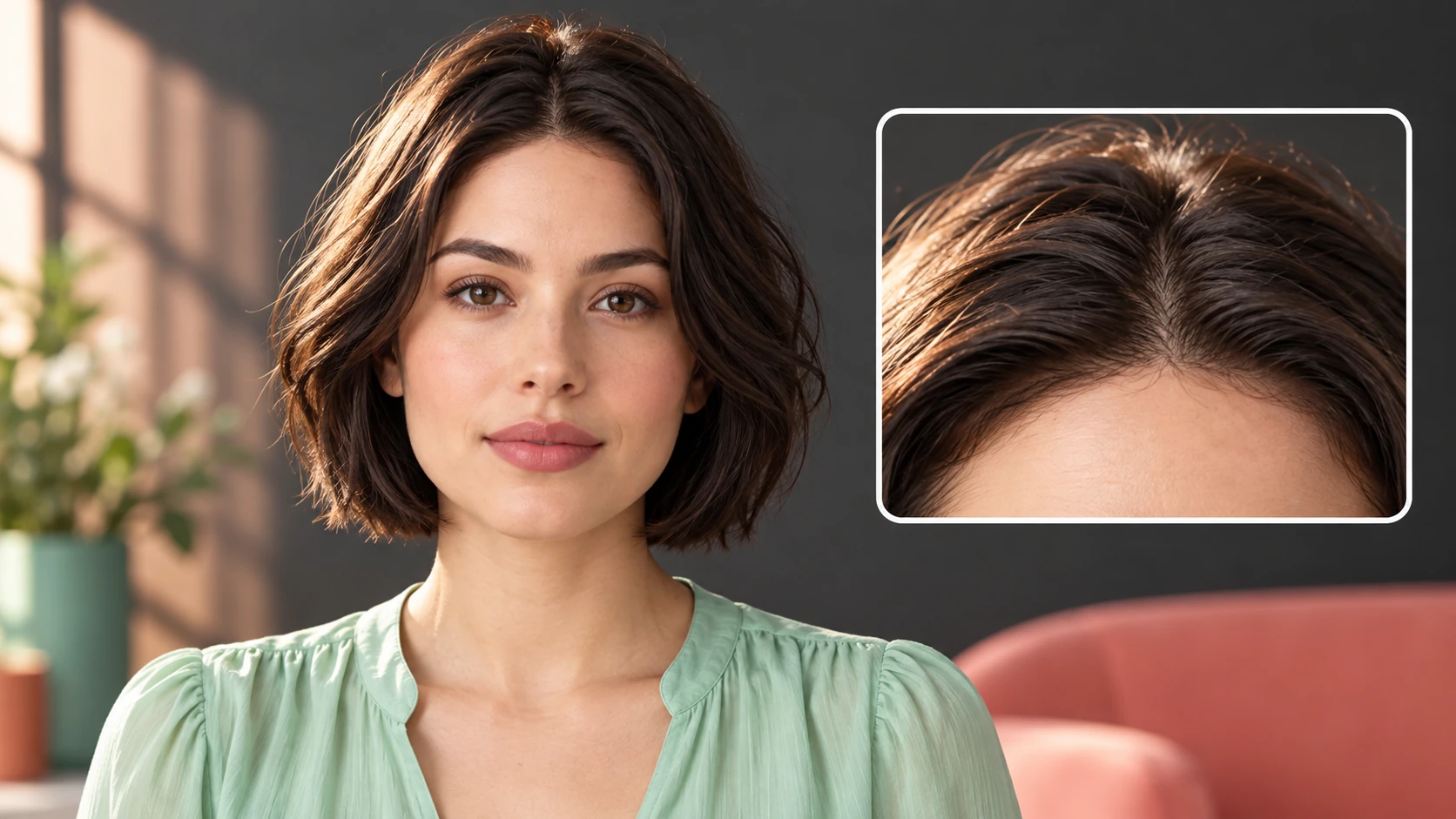
Look at the hairline, ear shape, part placement and shoulder overlap. A useful comparison changes the haircut without quietly changing the face. For this direction, explicitly retain facial features, hair color, expression, clothing and background.
Where this fits
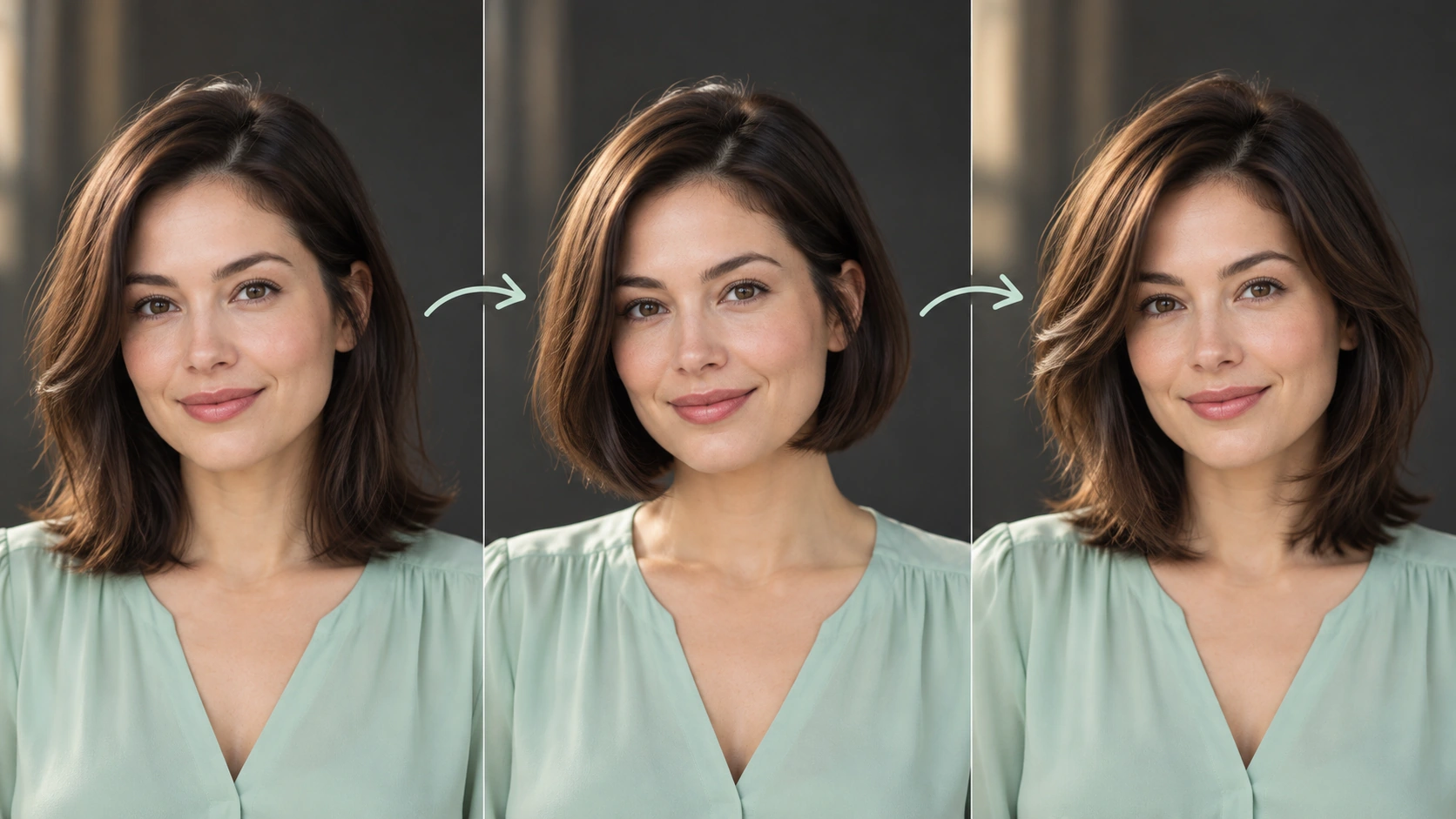
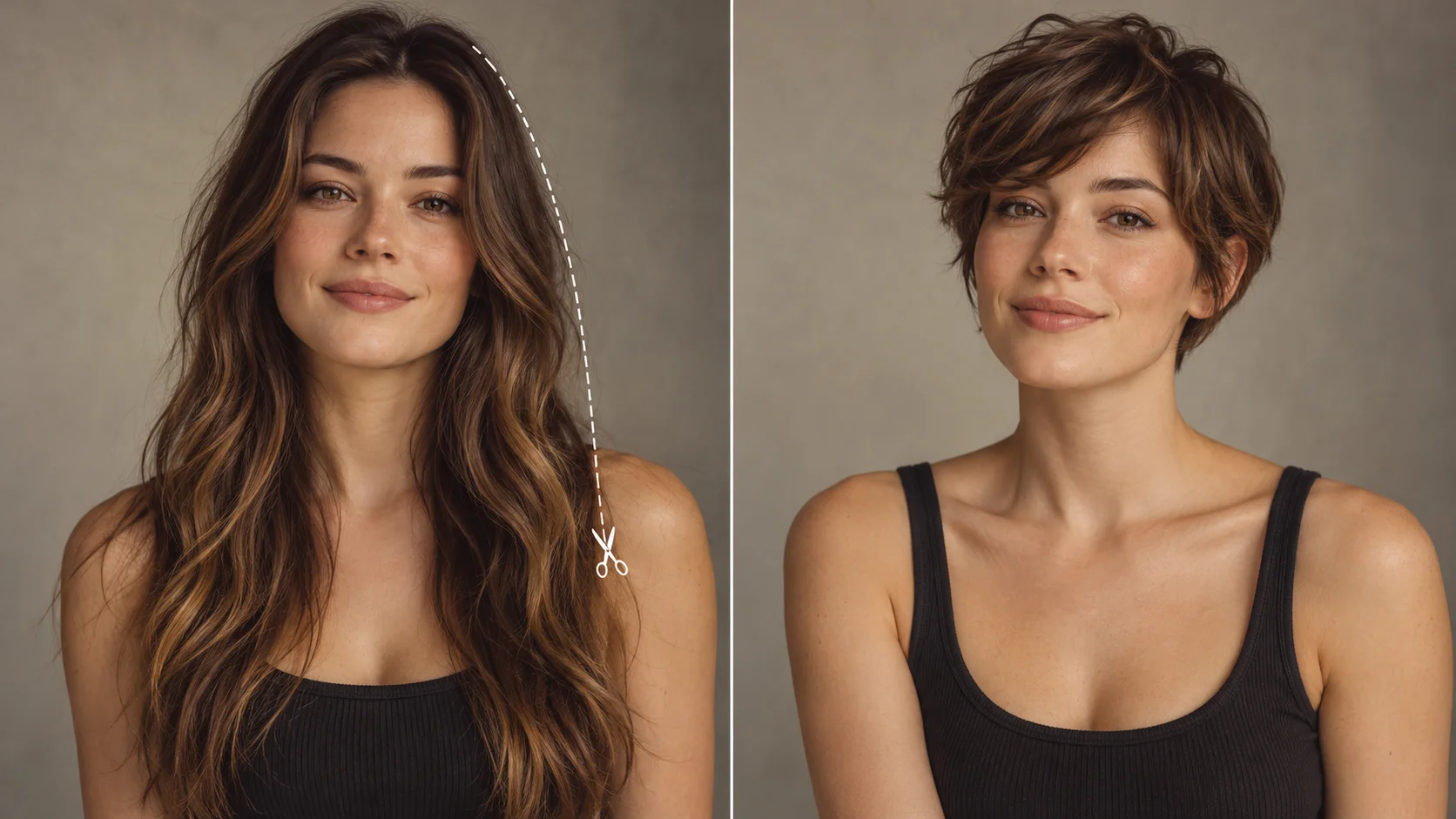
Compare shape and fringe while keeping the subject, color and light consistent.
A character look test
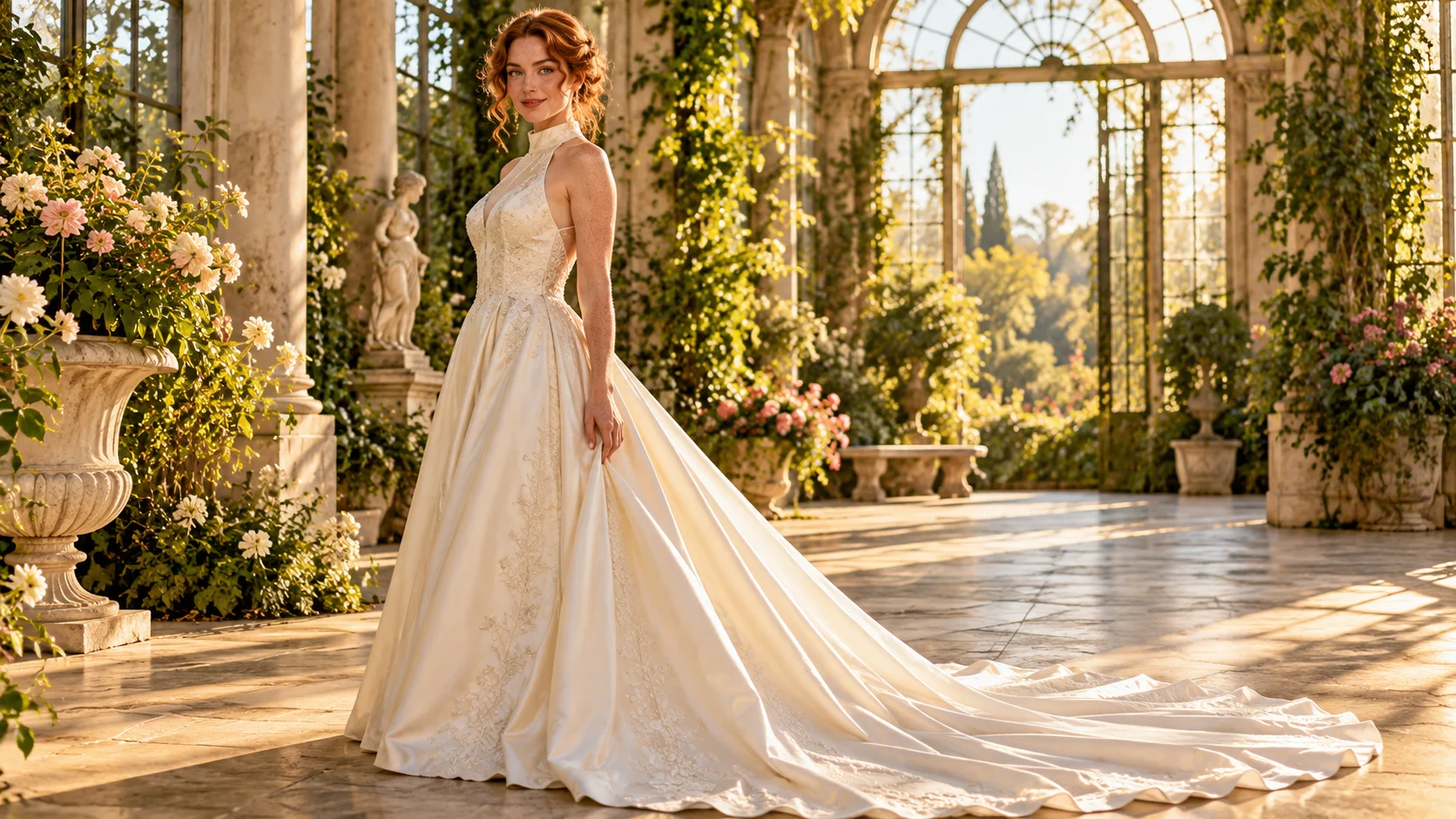
You are casting a short film and want a period-correct bob with a blunt fringe. Frame the portrait waist-up with warm side light so the cut reads as a character choice, not a salon photo.
Comparing two crops
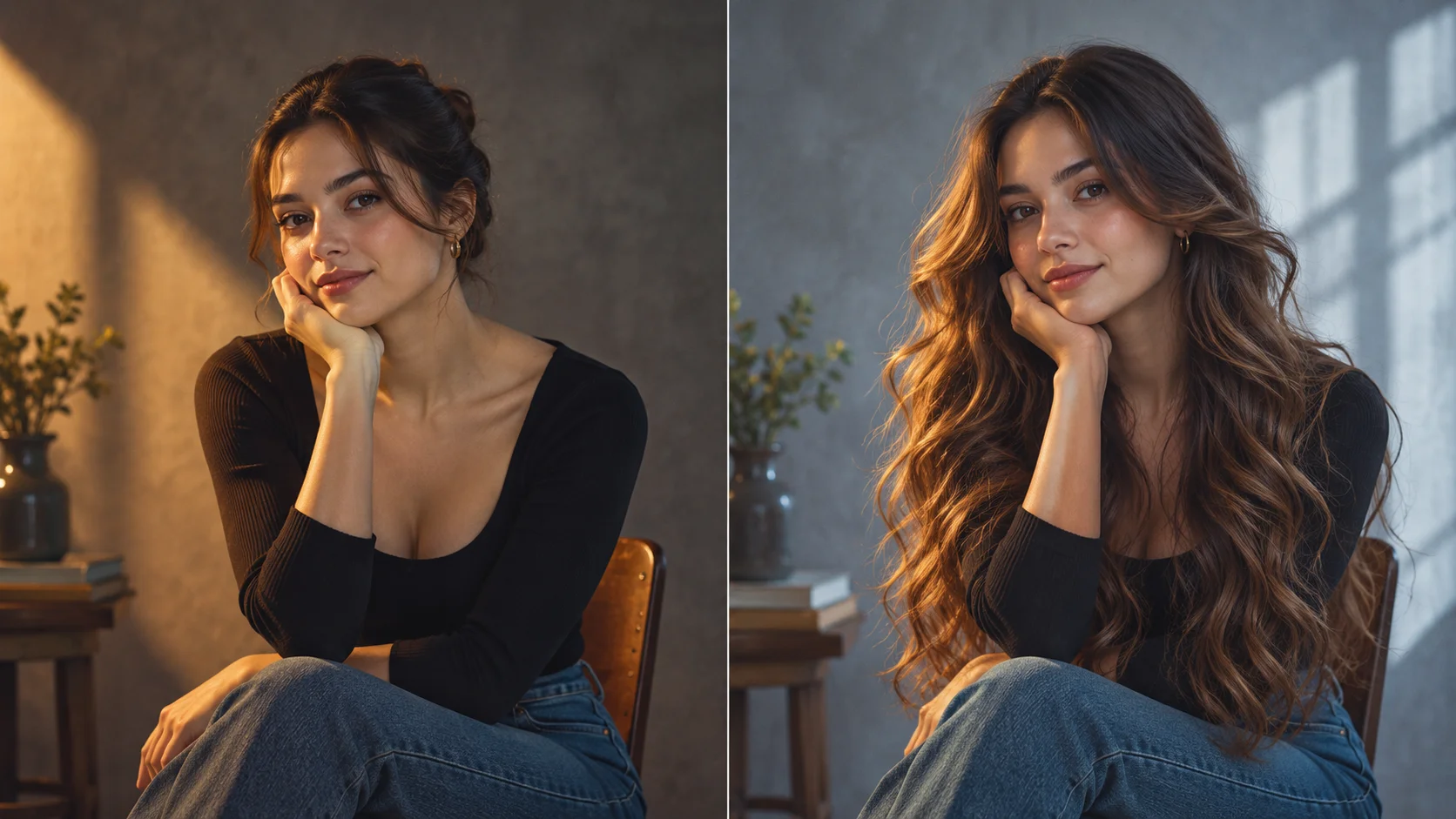
Run the same hairstyle in a close-up and a mid-shot. The close-up answers whether the fringe suits the face; the mid-shot answers whether the length balances the shoulders.
Checking a color before commitment
Use a portrait with neutral light and try a warmer or cooler shade. Keep the crop and expression identical so color is the only visible change when you review.
Before you generate
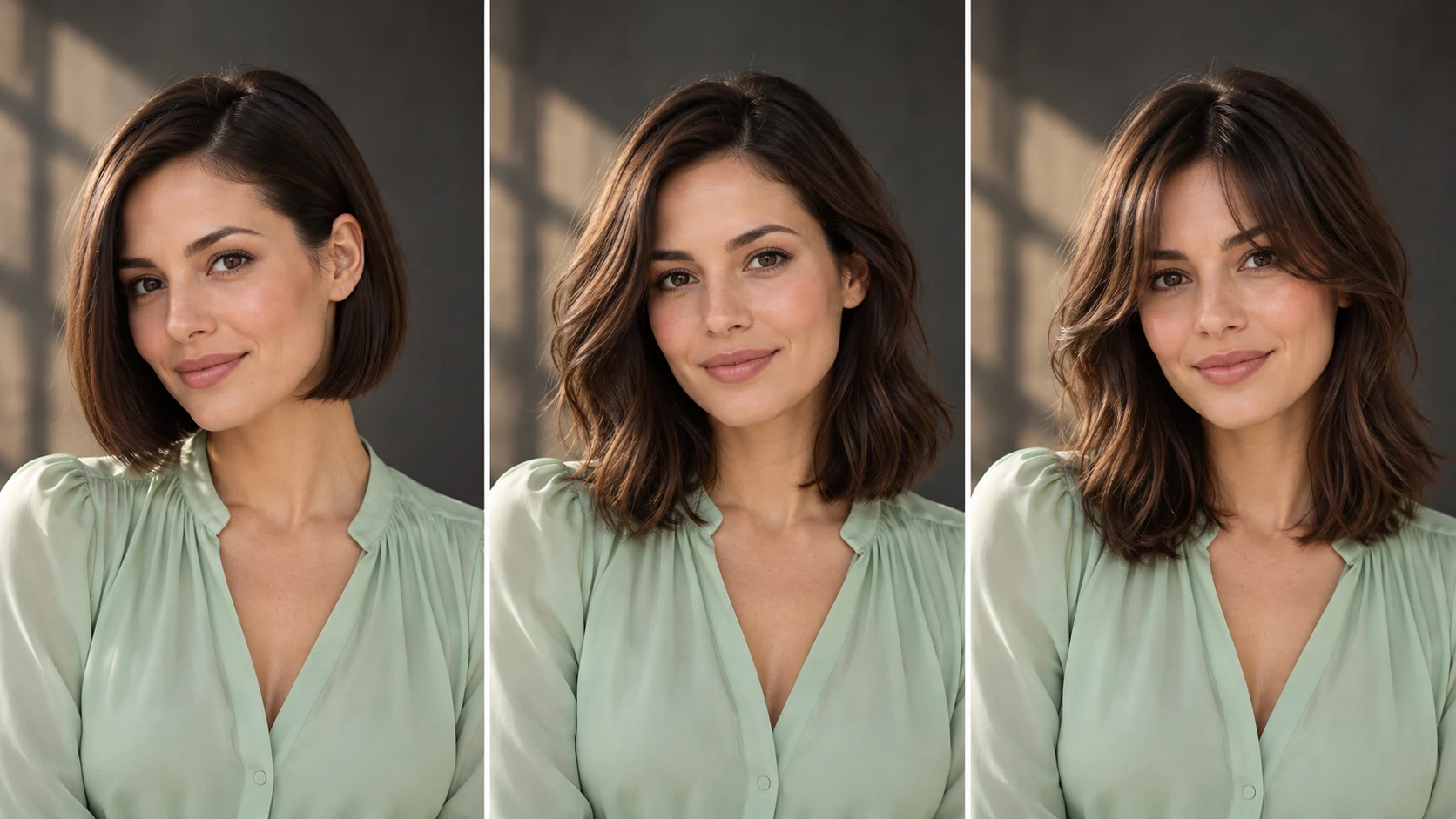
Keep the scalp, hairline, ears and shoulders inside the reference frame.
Upload one clear adult portrait with the whole head and both shoulders visible. Choose soft, even light and keep hair away from important facial features. Leave enough background around the head for the new shape.
Keep the original photo unedited so the hairline and ears stay readable.
Write camera terms such as 50mm portrait, eye level or soft window light into the prompt.
Compare versions side by side at the same crop and note the exact prompt text for each.
Write a direction you can compare
Name the change first, then name the details that should stay. For this ai hairstyle online free request, keep facial features, hair color, expression, clothing and background. A short, specific direction gives you a useful basis for comparing the next version.
Keep this face, clothing, background and hair color. Change only the hairstyle to a chin-length bob with a center part, softly curved ends and realistic strands. Preserve the natural hairline and both ears.
Look at the hairline, ear shape, part placement and shoulder overlap. A useful comparison changes the haircut without quietly changing the face. When you revise, keep the other inputs steady. That makes it easier to tell whether a wording change helped the image.
Credits, waiting and the next version
The quote belongs to the actual model and output settings selected in the generator. A different model, aspect ratio or available resolution may change the cost. Check the current amount where you generate, and use Pricing when you need to compare the site’s available purchase options. Any free-credit offer depends on the eligibility and terms shown there.
Once submitted, follow the existing task in History while it is queued or processing. The chosen model and current demand affect how long it takes; this guide does not set a fixed delivery time. Inspect the completed image at a useful size before paying for another version. If you want an adjustment, keep the original photo and describe the one change you need.
Hairstyle preview questions
Can I preview a fringe before deciding on a haircut?
Yes. Describe the fringe type, density and length in the editable prompt, keep the photo at eye level, and compare front and three-quarter crops. Fringe behavior changes with face shape and hairline, so test more than one framing.
What kind of photo should I upload?
An adult portrait with clear, even lighting and an unobstructed hairline. Avoid sunglasses, hats and heavy beauty filters. A slight three-quarter turn often reads better than a straight passport angle for judging volume and length.
How do I direct the look like a film frame?
Name the shot size, lens feel and light direction in the prompt alongside length, fringe, texture and color. Use the model controls available on the generator, and change one variable at a time so comparisons stay honest.
Will the result show exactly how a real haircut will fall?
No. Generated images are visual references. Real hair reacts to density, growth pattern, products and styling, so treat the preview as direction for a conversation with a stylist rather than a measured prediction.
How do credits and sign-in work?
A live credit quote is shown before generation, and you sign in to run jobs and review History. The current quote and account rules govern, so check them in your account rather than assuming any allowance.
How can I make a useful second version?
Keep the original reference and the version you want to improve. Look at the hairline, ear shape, part placement and shoulder overlap. A useful comparison changes the haircut without quietly changing the face. Change one part of the description, such as position, shape or light, so the next result answers a clear question.
Set your frame and test the hair
Upload an adult portrait, write length, fringe, texture and color into the prompt, then check the displayed quote before you generate.