Start with the outfit
Choose a clear person or costume photograph. A bright coat, boots and one accessory carry more identity than a busy background.


Image generator guide
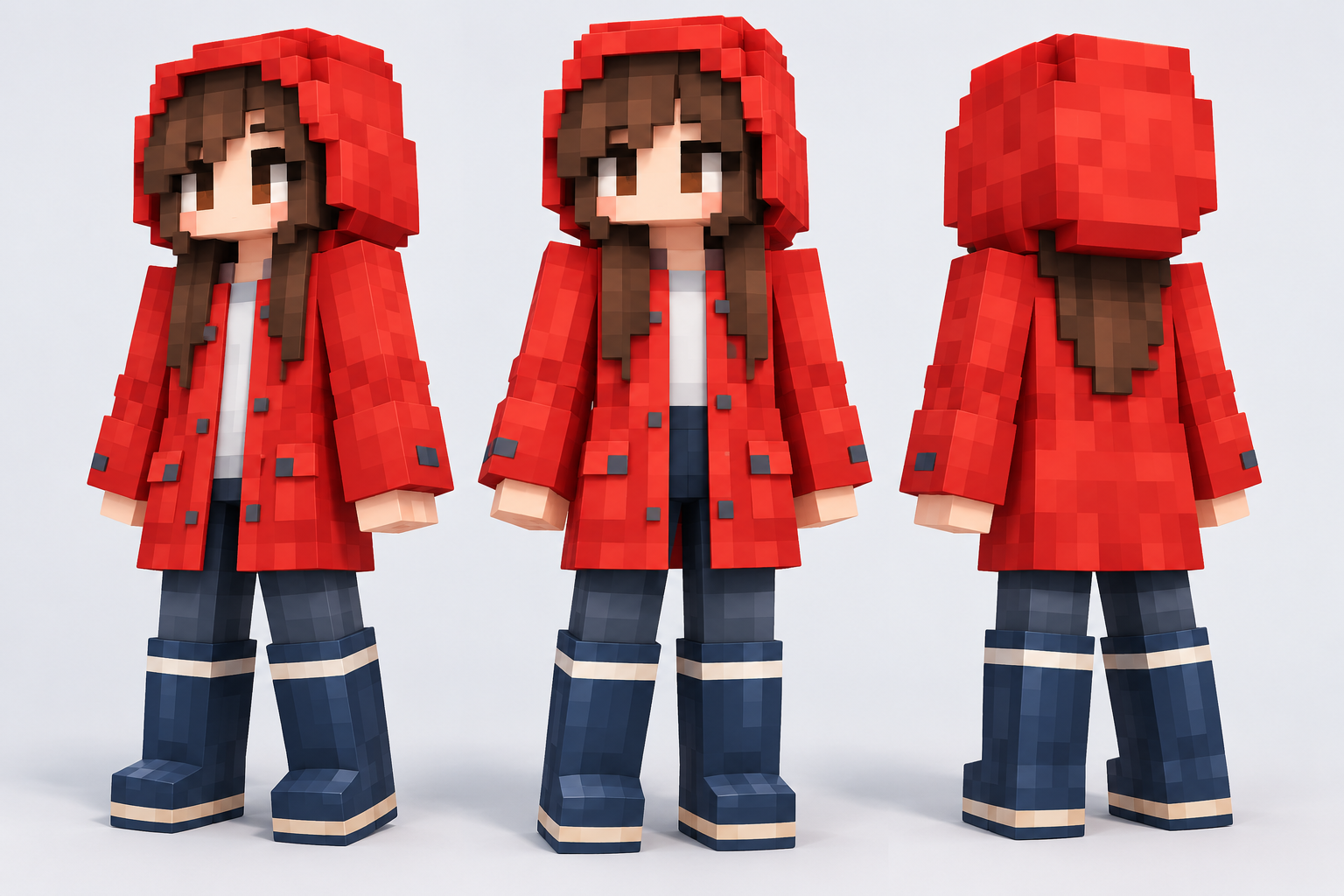
Turn a familiar person or costume reference into a blocky character concept. On face in hole, the useful question is which visual details still identify the subject once the image becomes simple square shapes.
Start creating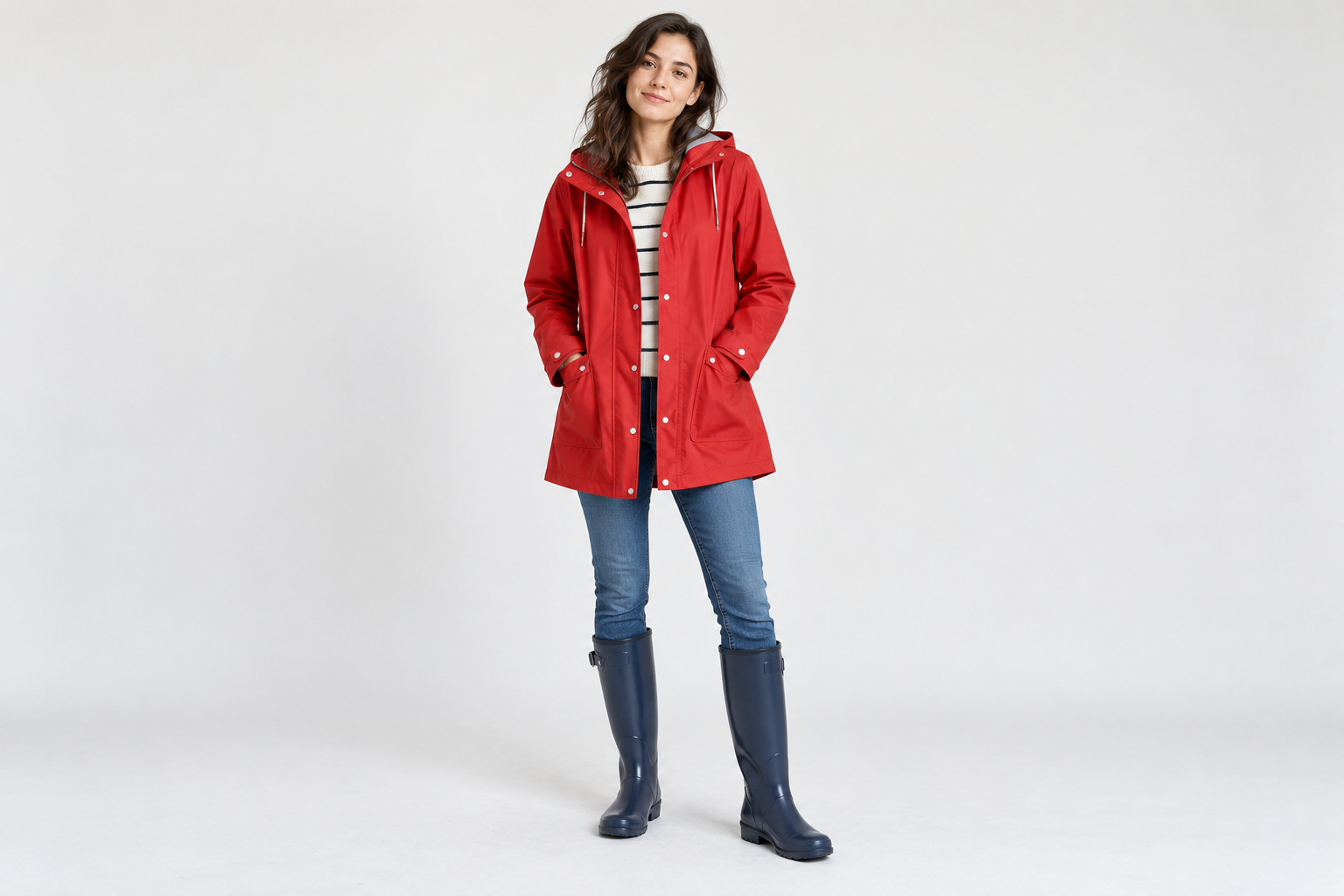
Choose a clear person or costume photograph. A bright coat, boots and one accessory carry more identity than a busy background.
In the prompt, name the two or three cues you would recognize from a distance. Ask for a full-body view if clothing matters.
After generation, check whether the coat, head shape and shoes still read as the same character. Keep useful versions in History.
Test whether a distinctive real-world outfit remains legible in a blocky character design.
Explore a new character role, then use a separate scene tool when you want the familiar face in a different setting.
Move from this character concept to the paired Pixel Art page for a bridge, cabin or landscape.
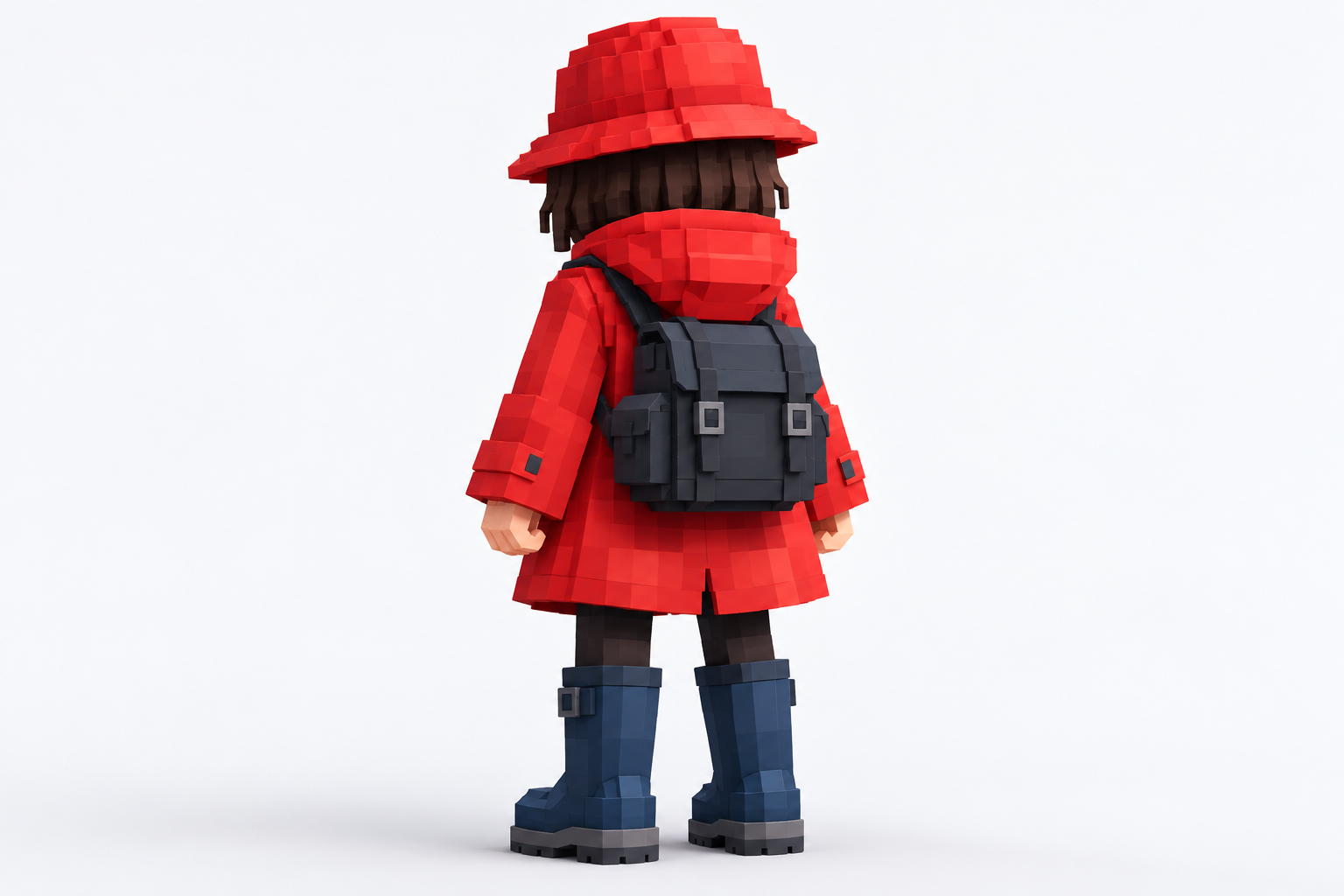
Describe the coat, shoes and accessory you want the blocky character to keep.
Using the uploaded portrait or costume as a reference, design a front three-quarter full-body blocky character concept. Retain the main outerwear color, footwear and one distinctive accessory. Simplify facial details into readable square forms. Use a plain background. This is a visual character idea, not a game-ready skin texture or UV map. No text or watermark.
Compare the new role with the familiar person in your reference, then plan a separate scene.

A face close-up can work, but a waist-up or full-body image supplies more useful clothing information.
No. It is a visual concept image, not a game-ready texture or checked UV map.
The model simplifies details. Name one important color or object in the next prompt and review the result.
The generator shows a live credit quote for current settings. History shows the task after submission.
Keep exploring the character and choose a setting when the outfit is readable.
faceinhole.app · Updated