AI Long Hair Filter: A Cinematic Art-Direction Guide
Direct a long hair portrait
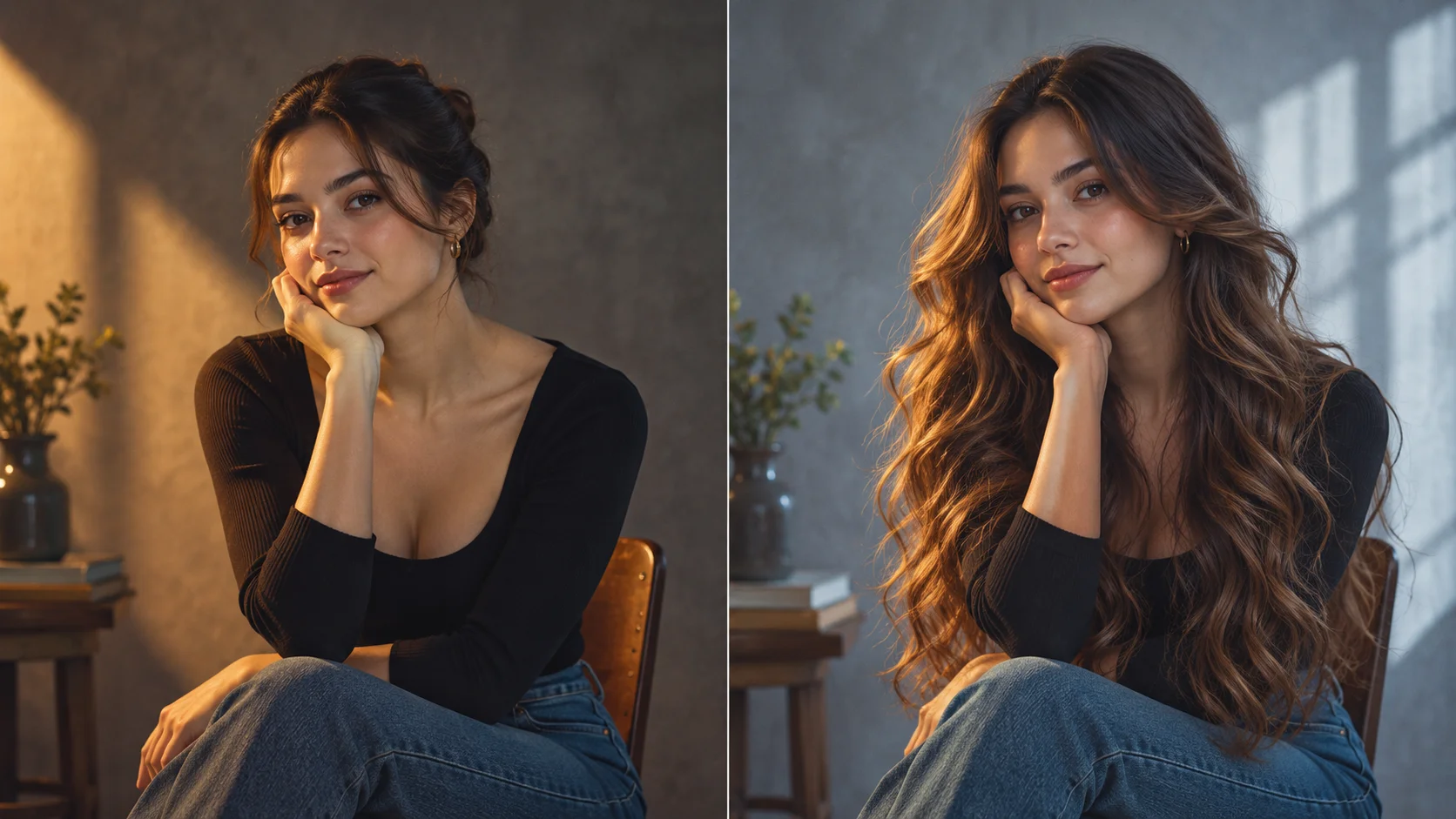
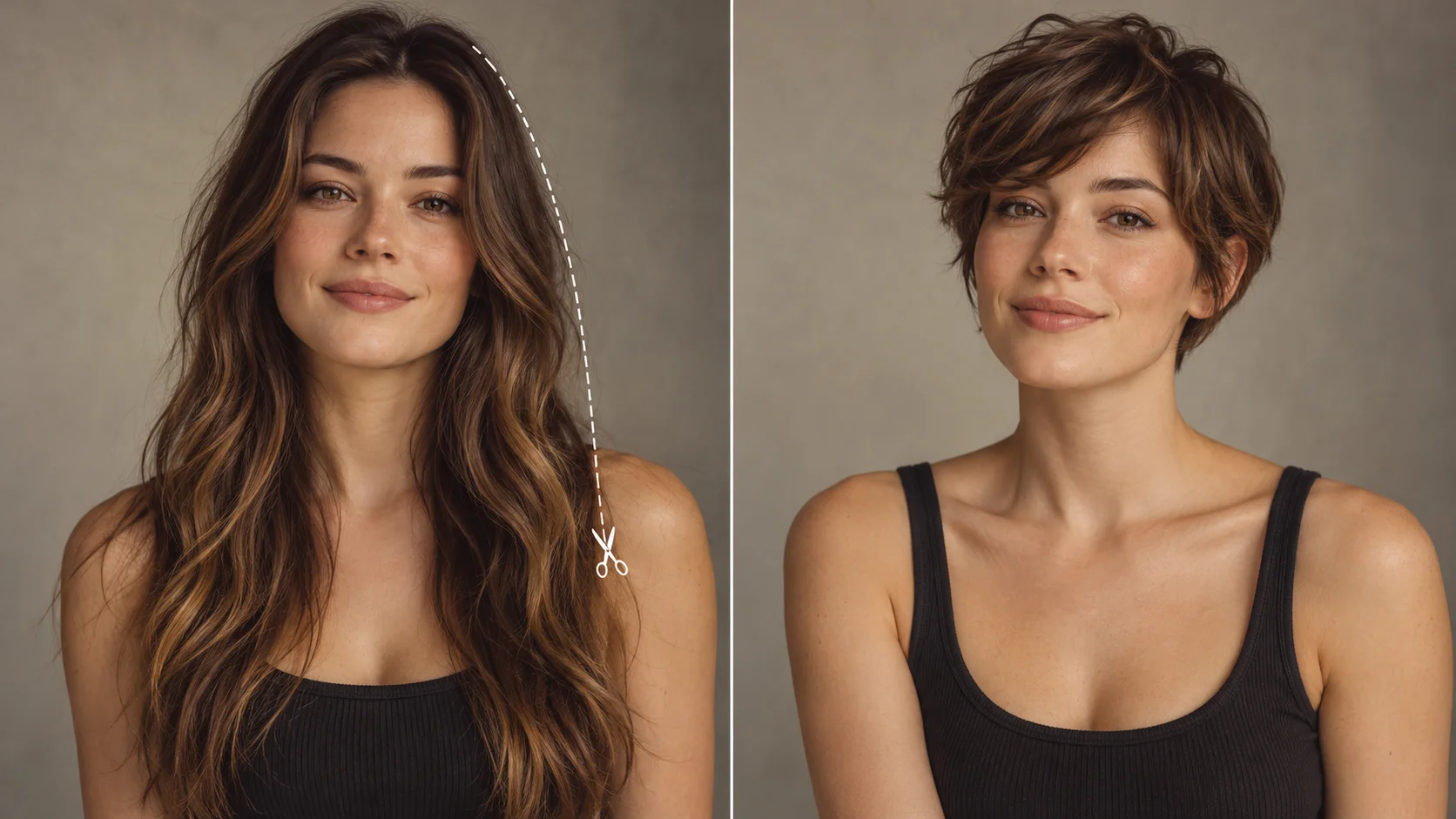
A stable portrait becomes a longer-hair concept with a clearly specified endpoint.
History
The answers before you start
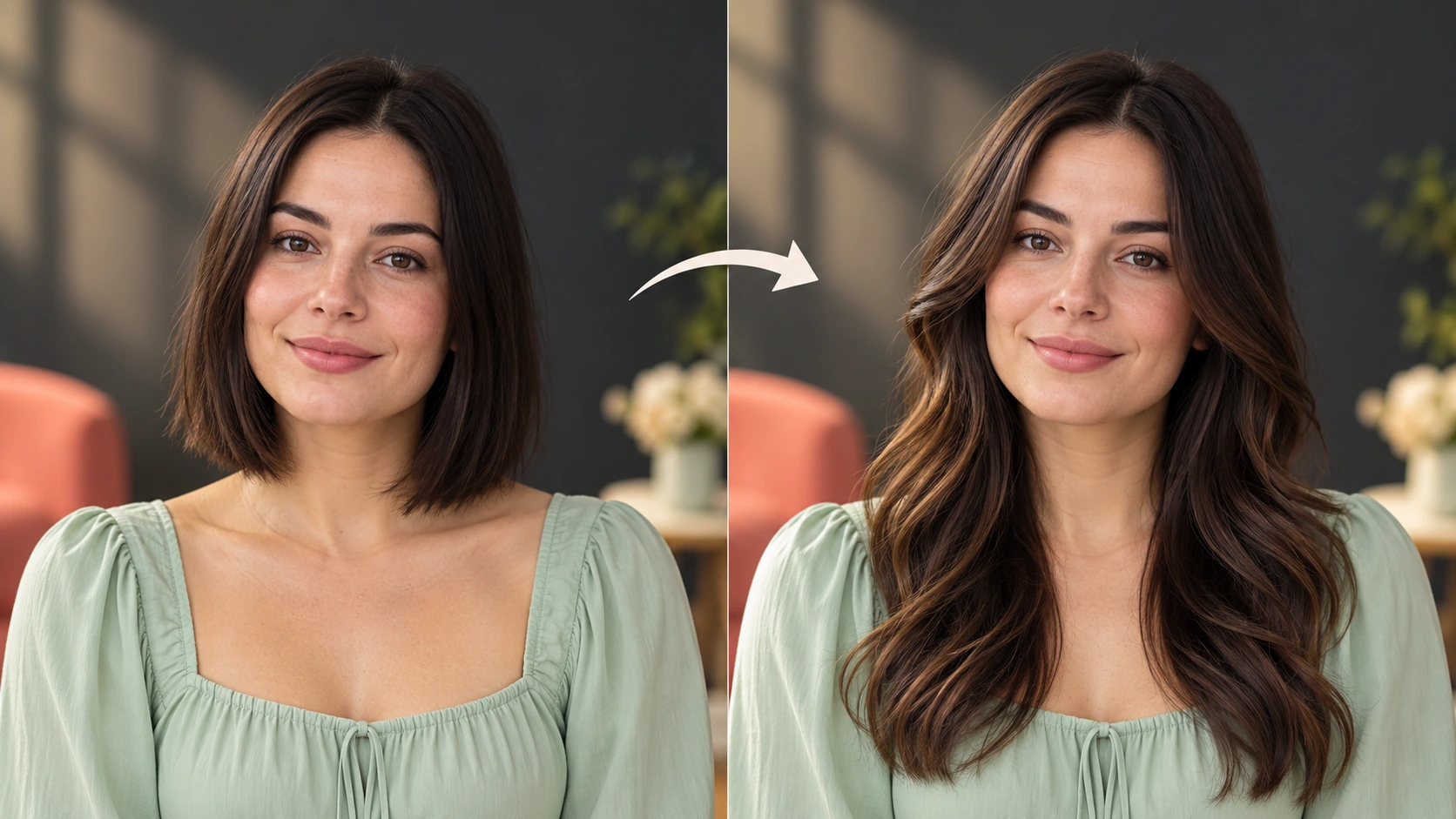
What does this tool make? An AI Long Hair Filter extends the hairstyle in a portrait so you can judge length, movement and face-framing layers. Tell the generator where the hair should end and which existing details should stay fixed.
How do I start? Choose Image to Image for a photograph-led edit, upload the reference and describe one specific change. Text to Image starts from words and needs no uploaded image.
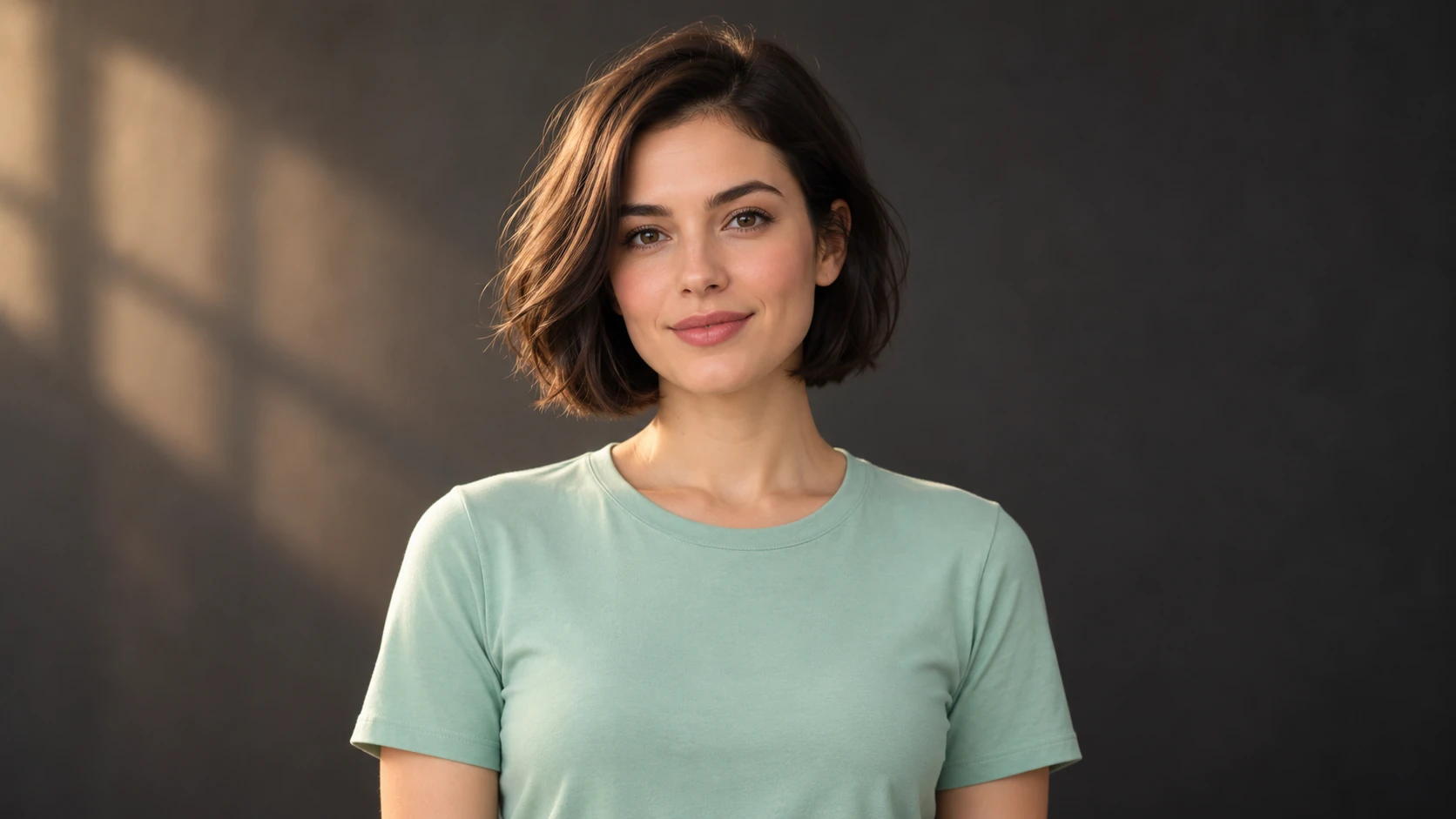
Which photo should I upload? Use one adult portrait with the entire head, shoulders and some space below the chest visible. Keep the hairline clear and choose a background that contrasts with the hair. Extra room helps a longer style read naturally.
Can I try it for free? You can read the guide and prepare the description before submitting. A generated image uses the quoted credits. Check your available balance and any current offer in the generator or Pricing before choosing to run it.
How much does a result cost? Use the live quote beside the generation action for this image. Changing the model or output settings can change that quote, so read it again before each new request.
When can I see the result? After submission, open History to follow the task. Queue demand, model and output settings affect completion. Preparing a photo or editing the description alone does not start a task.
An AI Long Hair Filter extends the hairstyle in a portrait so you can judge length, movement and face-framing layers. Tell the generator where the hair should end and which existing details should stay fixed. Use the nearby generator to prepare a focused version, then compare the result with your reference.
A stable portrait becomes a longer-hair concept with a clearly specified endpoint.
1
Upload the portrait
Start with a clear adult portrait. Face the camera or hold a slight turn. Keep the face, clothing and background visible. Good light on the eyes and jaw helps the edit read naturally. Avoid heavy motion blur, deep shadow across the face, or hair already cropped tight at the frame edge.
2
Choose your direction
Write the prompt as a brief. Name a length relative to the shoulders, then texture: layers, waves or straight. Select the model controls that fit the mood you want. Think about where the hair should fall in the composition before you commit to the look.
3
Quote, generate, review
The credit quote appears before you run the job. Check it, then generate. Finished jobs land in History, where you can compare versions side by side and rework the prompt. Review at full size rather than on a thumbnail.
Keep the important details readable
Inspect where the hair crosses the shoulders and fabric, whether the roots follow the scalp, and whether the two sides have believable weight and strand direction. For this direction, explicitly retain the face, roots, original hair color, clothing and lighting.
Scenarios worth directing
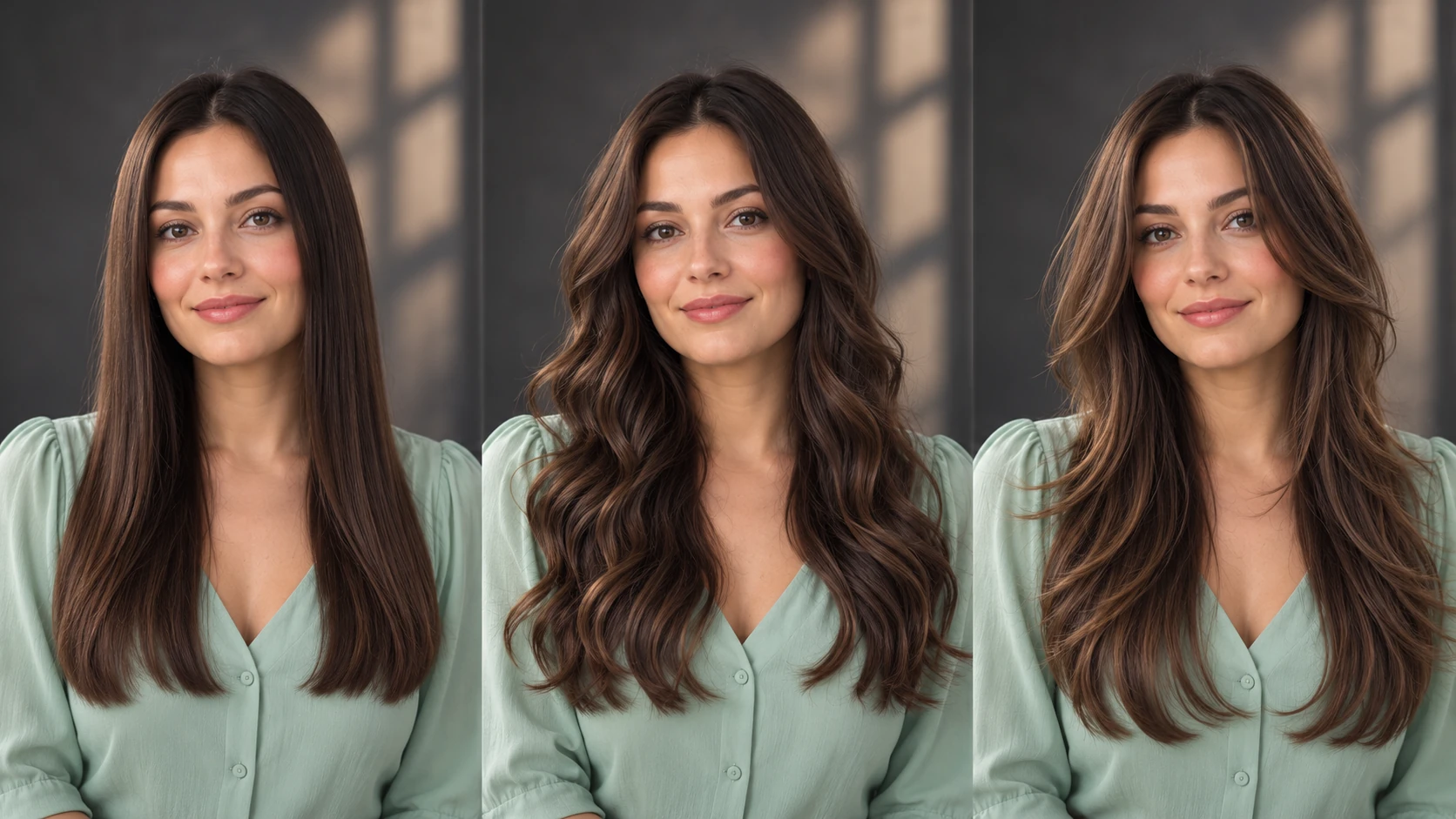
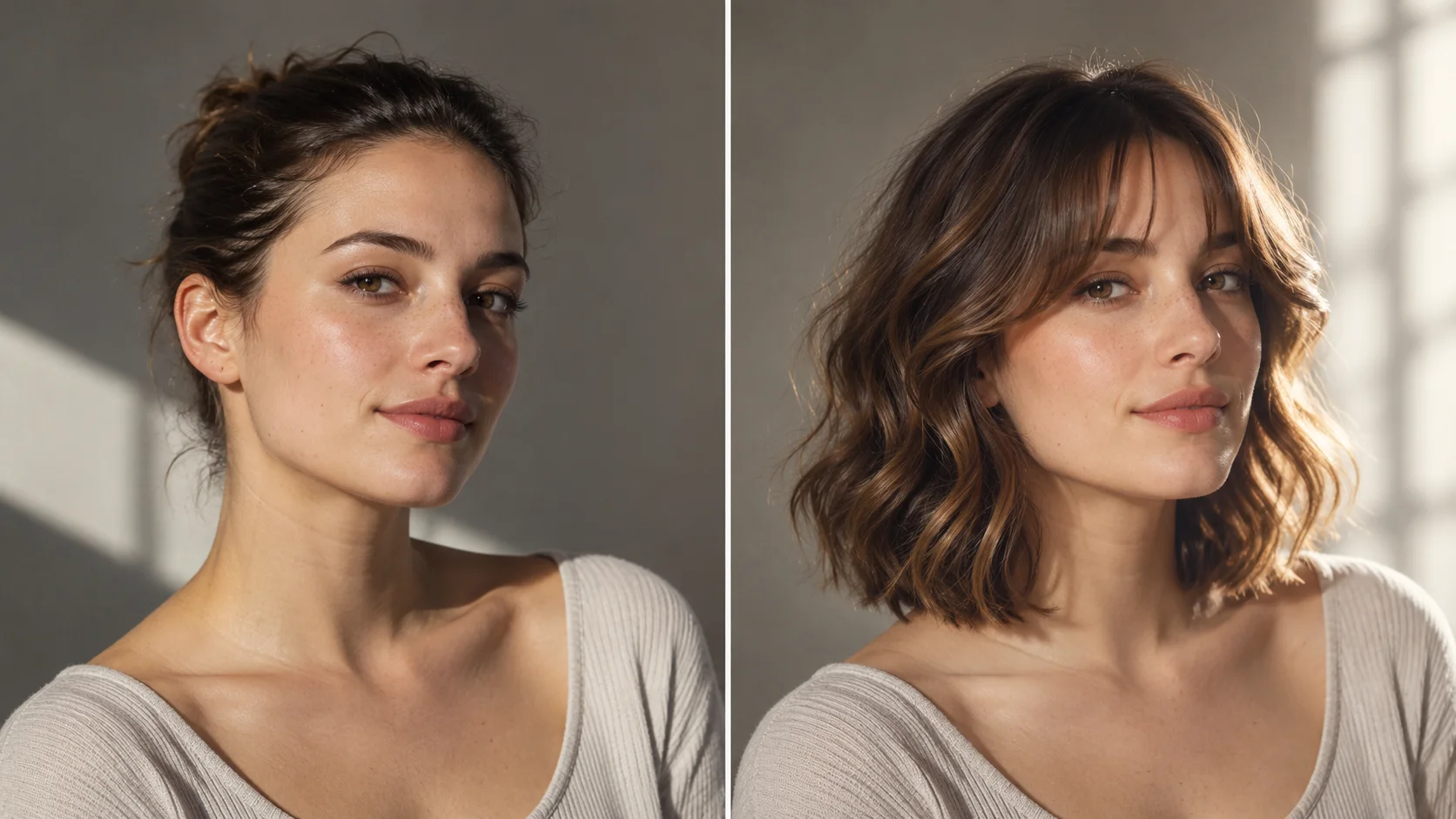
Compare smooth length, loose waves and long layers without changing the face.
A character sheet for a short film
Shoot a lead actor in flat daylight. Generate shoulder-length waves and waist-length straight versions. Compare which reads better beside your co-star in a two-shot before you book a stylist for the test day.
A book cover concept
Place a portrait on a neutral wall and try chest-length layers with a single soft key light. The long hair softens the shoulders and gives a designer a silhouette to work with when placing the title type.
A mood board for a portrait series
Keep one face and background constant across five images. Change only length and texture. The set becomes a reference grid that shows a client how the same subject shifts across a series.
Before you generate
Leave space below the shoulders so the requested length has room in the frame.
Use one adult portrait with the entire head, shoulders and some space below the chest visible. Keep the hairline clear and choose a background that contrasts with the hair. Extra room helps a longer style read naturally.
Crop the source so there is empty space below the shoulders if you want waist length to sit inside the frame.
Write the length first and the texture second so the prompt stays easy to edit between versions.
Compare two jobs in History at the same zoom level, or small differences in scale will mislead you.
Write a direction you can compare
Name the change first, then name the details that should stay. For this ai long hair filter request, keep the face, roots, original hair color, clothing and lighting. A short, specific direction gives you a useful basis for comparing the next version.
Keep the same face, expression, hair color, blouse and background. Extend the hair to chest length with soft waves and long face-framing layers. Preserve the original roots and let the strands fall naturally over the shoulders.
Inspect where the hair crosses the shoulders and fabric, whether the roots follow the scalp, and whether the two sides have believable weight and strand direction. When you revise, keep the other inputs steady. That makes it easier to tell whether a wording change helped the image.
Credits, waiting and the next version
The quote belongs to the actual model and output settings selected in the generator. A different model, aspect ratio or available resolution may change the cost. Check the current amount where you generate, and use Pricing when you need to compare the site’s available purchase options. Any free-credit offer depends on the eligibility and terms shown there.
Once submitted, follow the existing task in History while it is queued or processing. The chosen model and current demand affect how long it takes; this guide does not set a fixed delivery time. Inspect the completed image at a useful size before paying for another version. If you want an adjustment, keep the original photo and describe the one change you need.
AI Long Hair Filter questions
What does the AI Long Hair Filter actually change?
It edits an uploaded adult portrait to show longer hair at shoulder, chest or waist length, with layers, waves or straight texture. Face, clothing and background are kept. It is a visual try-on, not a prediction of real hair growth or a salon result.
What kind of photo works best as input?
A sharp, well-lit portrait of an adult with the face and shoulders clear. Keep the background visible and avoid heavy blur or deep shadow. If you want waist length in frame, upload an image with room below the shoulders.
How specific should my prompt be?
Name the length by body landmark, then texture, then light. For example, chest length with loose waves and soft side light. Shorter, precise prompts are easier to adjust between jobs than long paragraphs full of style words.
Can it show exactly how I would look with long hair?
No. Output is an illustration of a direction, not a measurement of you. Proportions may shift, and texture can render differently from real hair. Treat results as planning material for a look, a shot or a mood board.
How do credits and accounts work?
You sign in to your account, write the prompt, and the live credit quote appears before the job runs. There is no free allowance advertised here. Check the displayed quote each time, since it varies with the job you set up.
How can I make a useful second version?
Keep the original reference and the version you want to improve. Inspect where the hair crosses the shoulders and fabric, whether the roots follow the scalp, and whether the two sides have believable weight and strand direction. Change one part of the description, such as position, shape or light, so the next result answers a clear question.
Set the frame and the length
Upload an adult portrait, write a length and texture brief, check the quoted credits, and generate your first long hair direction.