Photo to Animal: A First Walkthrough on faceinhole.app
Build a photo to animal portrait
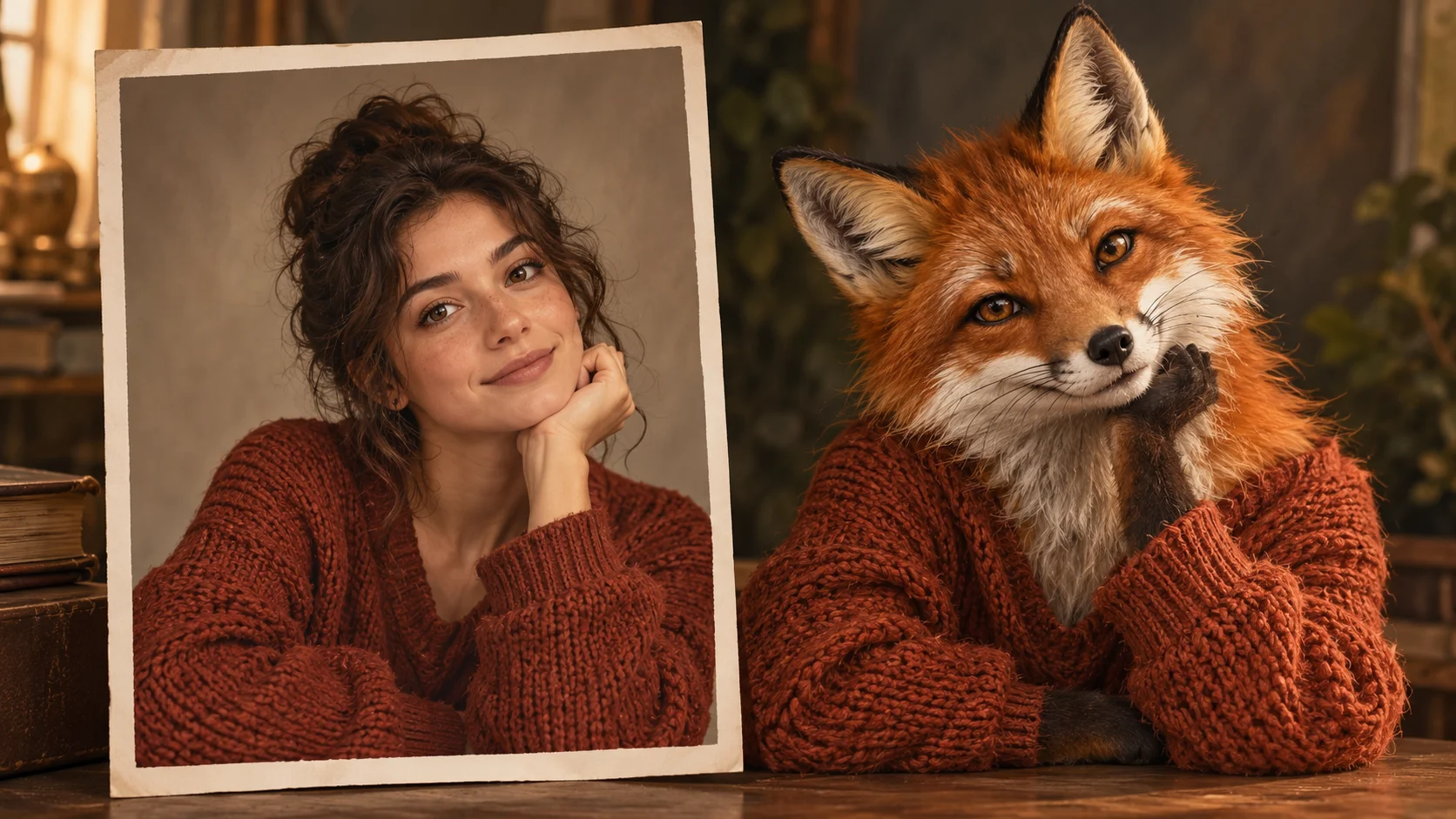
A portrait’s pose and expression connect to a clearly named animal direction.
History
The answers before you start
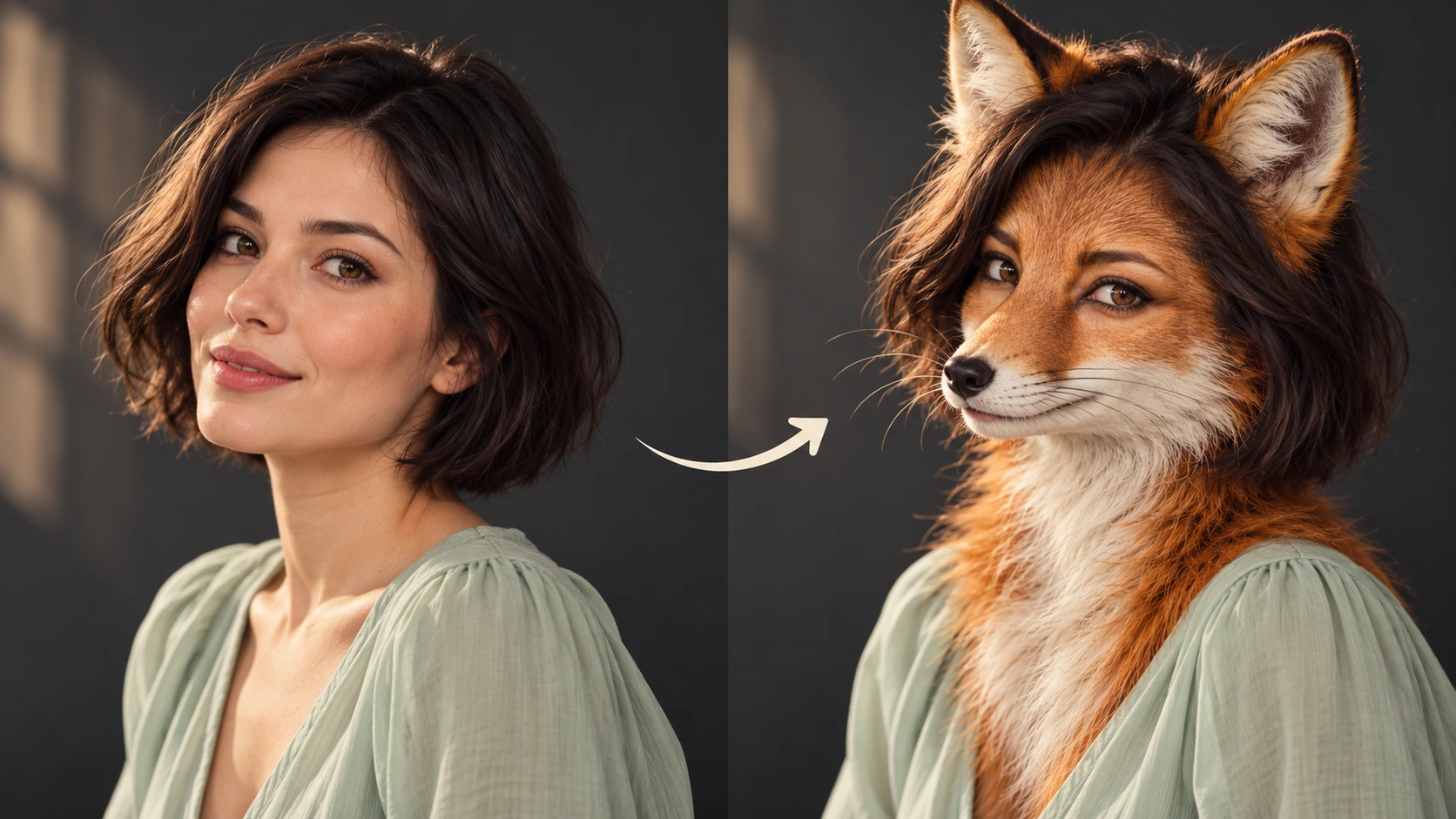
What does this tool make? Photo to Animal reimagines a portrait with the features of a named species while keeping its pose and expression as recognizable cues. Choose the animal first, then describe the muzzle, ears, coat and portrait lighting.
How do I start? Choose Image to Image for a photograph-led edit, upload the reference and describe one specific change. Text to Image starts from words and needs no uploaded image.
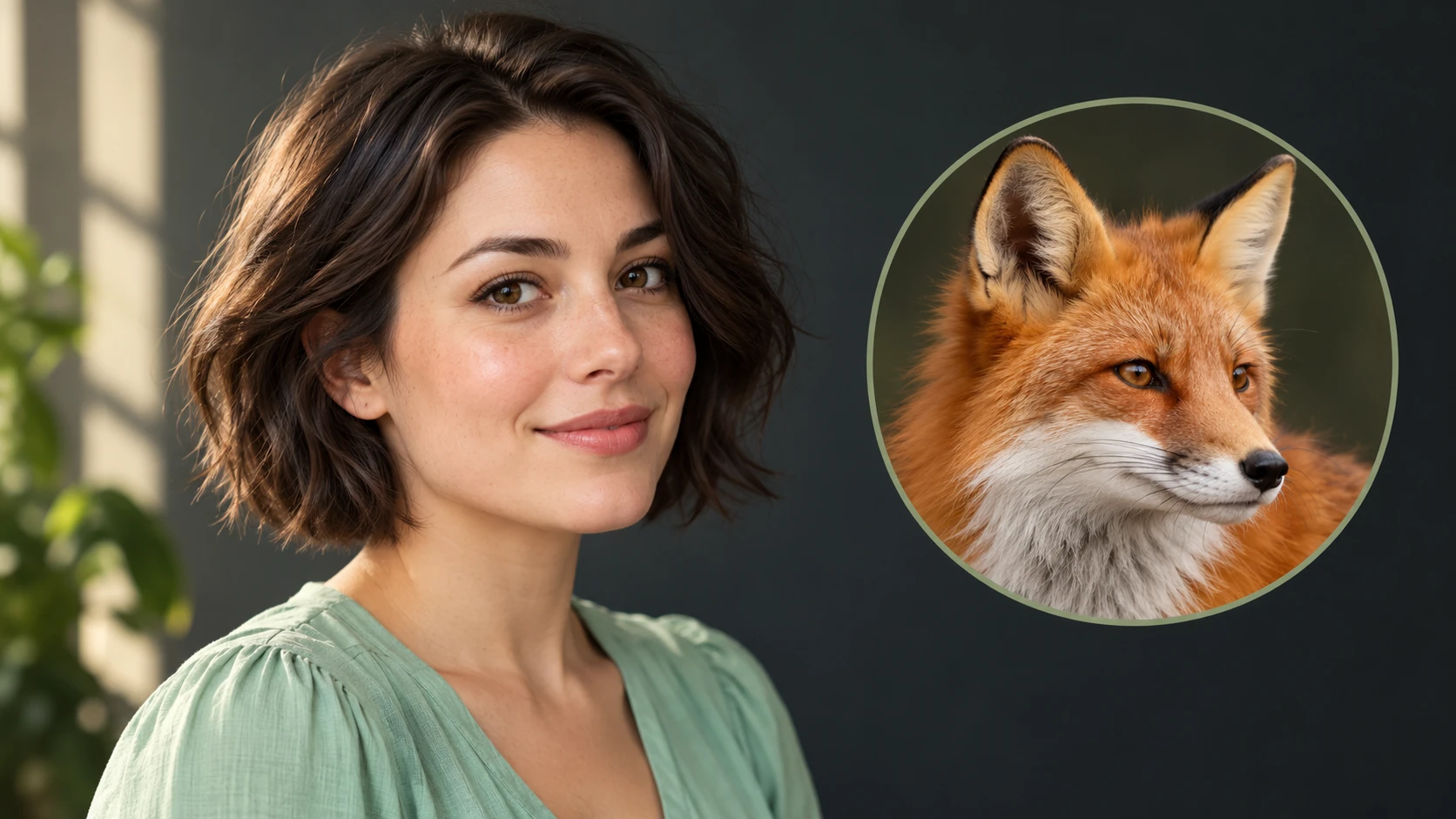
Which photo should I upload? Upload one clear adult head-and-shoulders portrait. A front or slight three-quarter view gives a readable gaze and head shape. Use the prompt to name the animal; a second animal-photo upload is not required on this page.
Can I try it for free? You can read the guide and prepare the description before submitting. A generated image uses the quoted credits. Check your available balance and any current offer in the generator or Pricing before choosing to run it.
How much does a result cost? Use the live quote beside the generation action for this image. Changing the model or output settings can change that quote, so read it again before each new request.
When can I see the result? After submission, open History to follow the task. Queue demand, model and output settings affect completion. Preparing a photo or editing the description alone does not start a task.
Photo to Animal reimagines a portrait with the features of a named species while keeping its pose and expression as recognizable cues. Choose the animal first, then describe the muzzle, ears, coat and portrait lighting. Use the nearby generator to prepare a focused version, then compare the result with your reference.
A portrait’s pose and expression connect to a clearly named animal direction.
1
Upload one clear subject
Choose a photo with one person. Face the camera or hold a clear three-quarter angle. Keep the full head in frame. Good light helps the model read pose, expression and small cues like a raised eyebrow. Avoid heavy blur, crowded backgrounds and partial faces. If you crop, leave room around the shoulders so the portrait has room to breathe.
2
Choose the animal direction
Type the species and tone in the editable prompt. Say whether you want a studio portrait, a natural setting or a stylized look. Then adjust the model controls to set how strongly the result follows your photo against how freely it interprets the animal. Short, specific prompt lines are easier to review than long lists.
3
Check quote, generate, review
The live credit quote appears before you generate. Sign in to your account to run the job. The generation is saved to History, where you can compare versions and keep the ones that work. Review pose, expression and animal cues together. If something drifts, edit the prompt and run another version rather than guessing at the first result.
Keep the important details readable
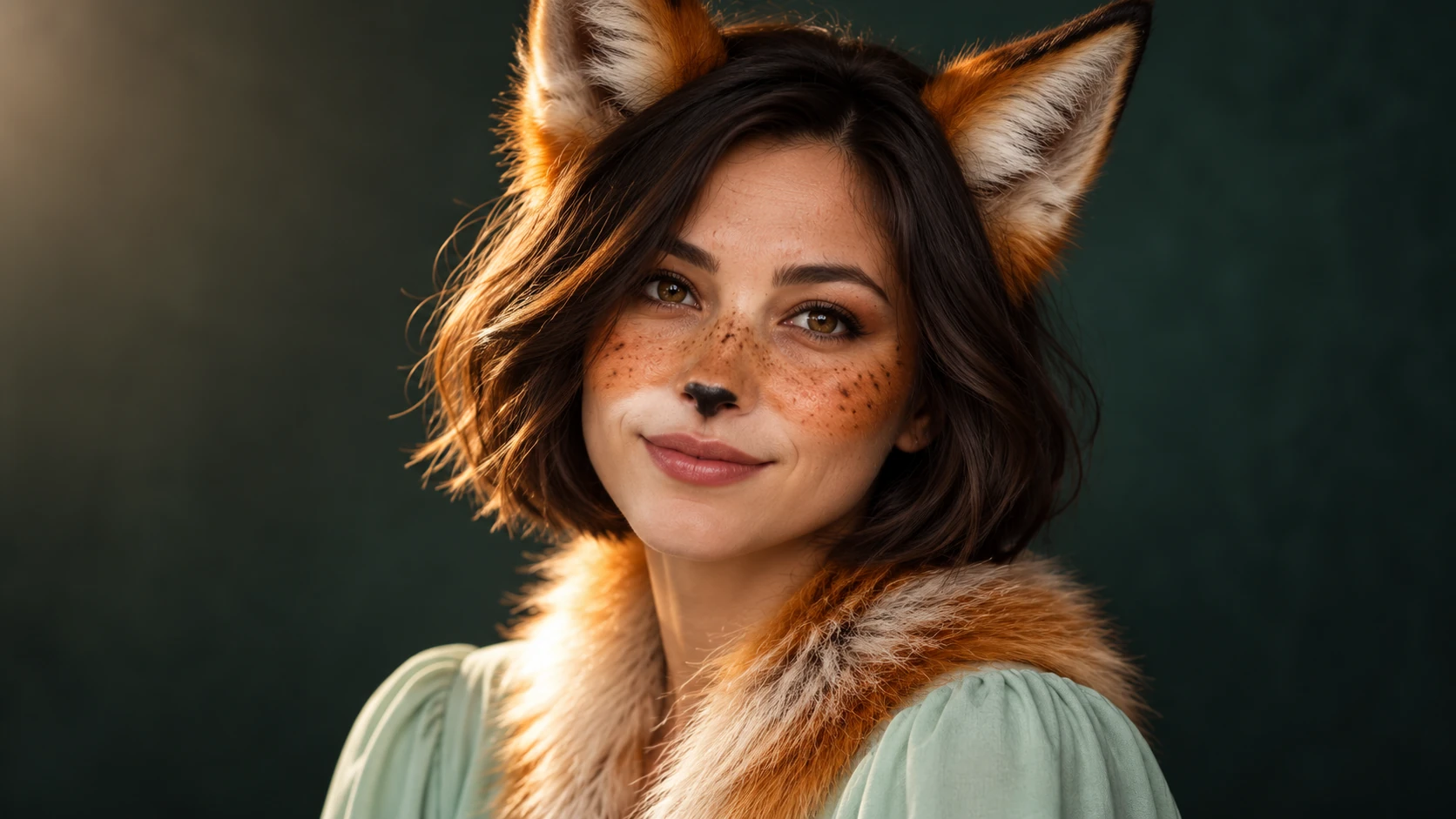
Look for coherent ears and muzzle, a natural neck transition and a readable expression. A convincing animal portrait needs consistent anatomy as well as an attractive coat. For this direction, explicitly retain head angle, gaze direction, expression cues and the intended crop.
Where this portrait fits
Species-specific ears, muzzle and coat create the animal-inspired silhouette.
A character portrait for a story
Writers often need a visual anchor for a fictional character. Upload a clear photo, set a species that matches the character's temperament, and iterate until the portrait feels right for the page or pitch deck.
A playful profile image
Use one well-lit photo and a favorite animal to make a stylized portrait for a personal project. Keep the prompt simple, review a few versions in History, and pick the one with the strongest expression.
A gift concept to test
Before commissioning anything, test a photo to animal idea quickly. Try two or three species directions, compare the quotes, and use the saved results to decide which concept is worth developing further.
Before you upload and after you generate
Choose a clear head outline and describe the animal species in the prompt.
Upload one clear adult head-and-shoulders portrait. A front or slight three-quarter view gives a readable gaze and head shape. Use the prompt to name the animal; a second animal-photo upload is not required on this page.
Use a photo where the face is sharp and evenly lit, with one person as the clear subject.
Write the species and mood in plain words, then change one thing at a time between runs.
Review the live credit quote before each job and check History before repeating a similar attempt.
Write a direction you can compare
Name the change first, then name the details that should stay. For this photo to animal request, keep head angle, gaze direction, expression cues and the intended crop. A short, specific direction gives you a useful basis for comparing the next version.
Keep the head angle and expression cues from this portrait. Reimagine the subject as a fox-inspired character with a narrow muzzle, alert ears and a thick russet ruff. Use warm side light and a quiet forest-green background.
Look for coherent ears and muzzle, a natural neck transition and a readable expression. A convincing animal portrait needs consistent anatomy as well as an attractive coat. When you revise, keep the other inputs steady. That makes it easier to tell whether a wording change helped the image.
Credits, waiting and the next version
The quote belongs to the actual model and output settings selected in the generator. A different model, aspect ratio or available resolution may change the cost. Check the current amount where you generate, and use Pricing when you need to compare the site’s available purchase options. Any free-credit offer depends on the eligibility and terms shown there.
Once submitted, follow the existing task in History while it is queued or processing. The chosen model and current demand affect how long it takes; this guide does not set a fixed delivery time. Inspect the completed image at a useful size before paying for another version. If you want an adjustment, keep the original photo and describe the one change you need.
Photo to animal questions
What does photo to animal mean here?
It means turning an uploaded portrait into an animal-inspired portrait. You set the species in the prompt, and the tool builds a creative image around your photo. It does not predict biology, personality or anything factual about the person.
What photo works best as input?
One clear subject works best. Use a sharp, well-lit photo with the full head visible and a readable expression. Avoid group shots, heavy motion blur and faces turned away from the camera. A simple background gives the model fewer distractions to interpret.
How do model controls change the result?
The controls adjust how the generation balances your photo against the animal direction. More adherence keeps closer to the original pose and expression; more freedom allows a stronger animal interpretation. Change one control at a time so you can tell what caused a difference.
Will the output look exactly like the person?
No. It is an animal-inspired portrait that aims to keep recognizable cues like pose, gaze and expression where possible. Similarity varies with the photo and prompt. Treat every result as a creative interpretation rather than a likeness guarantee.
How does the credit quote work?
A live credit quote is displayed before generation so you can see the cost of that job. You need an account and login to generate.
How can I make a useful second version?
Keep the original reference and the version you want to improve. Look for coherent ears and muzzle, a natural neck transition and a readable expression. A convincing animal portrait needs consistent anatomy as well as an attractive coat. Change one part of the description, such as position, shape or light, so the next result answers a clear question.
Make your first animal portrait
Upload one clear photo, set the species in the prompt, check the quote, and generate a portrait to review in History.