Female Malfoy AI Generator: A Cinematic Art-Direction Guide
Set the camera before you generate
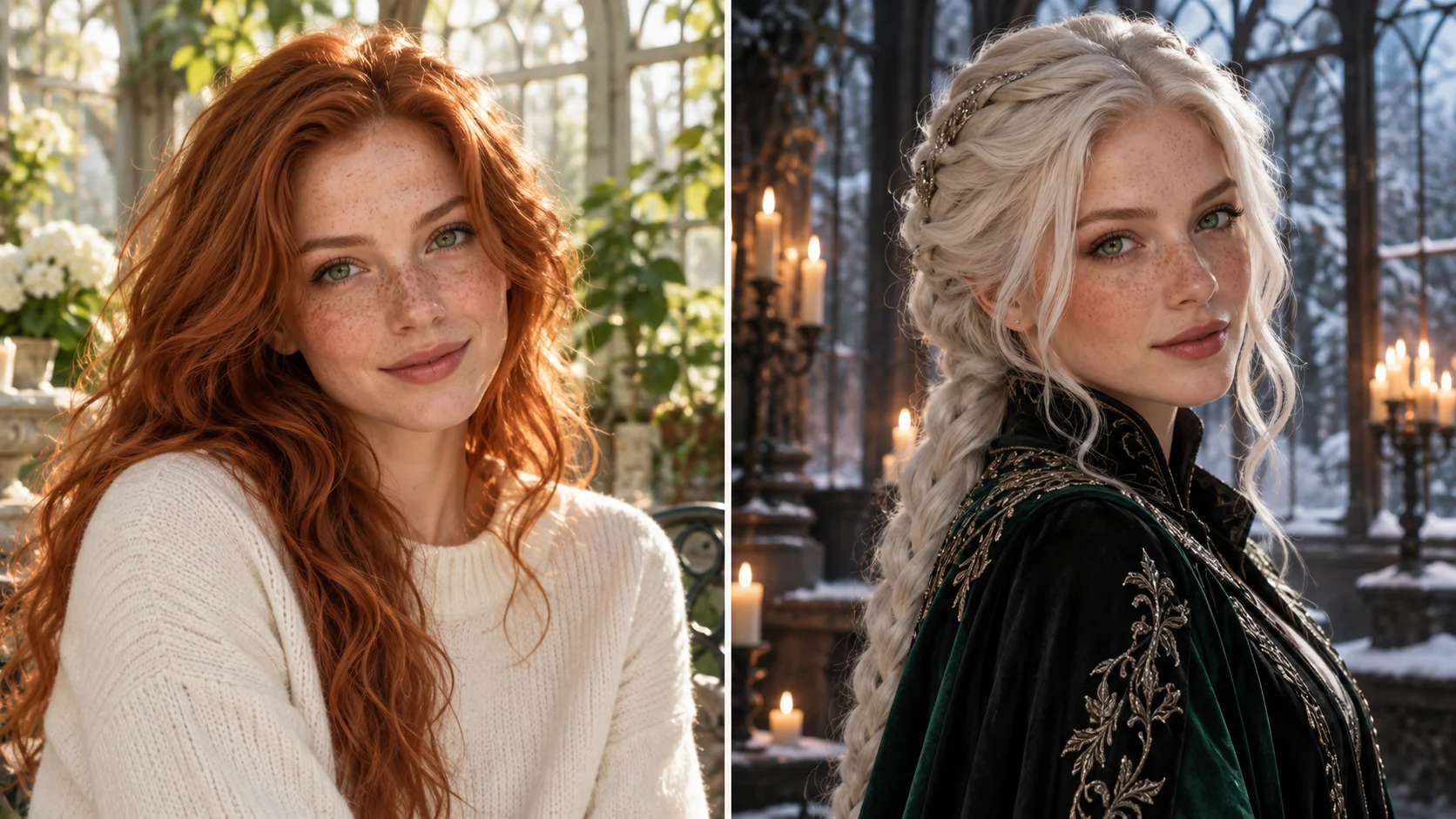
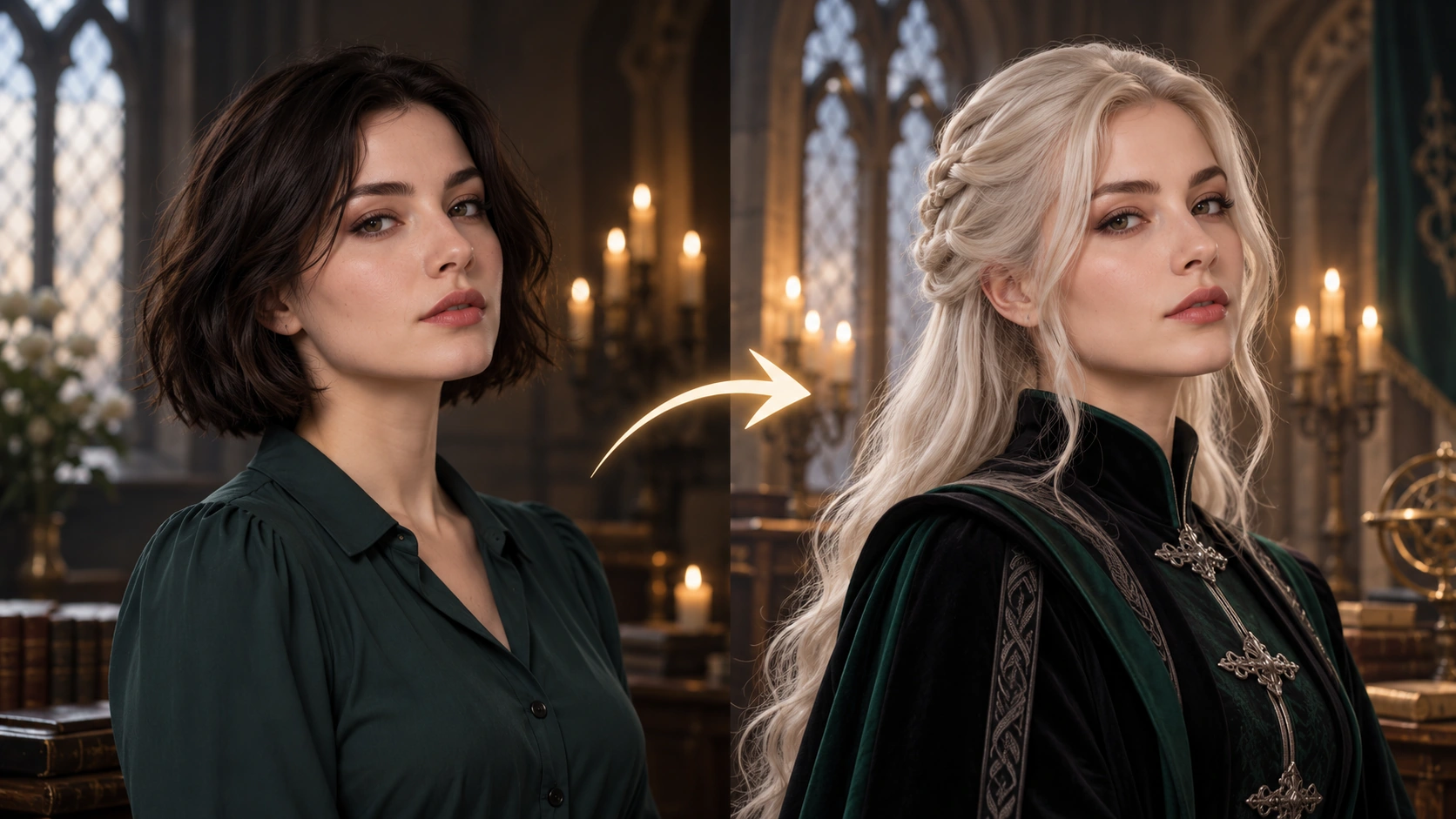
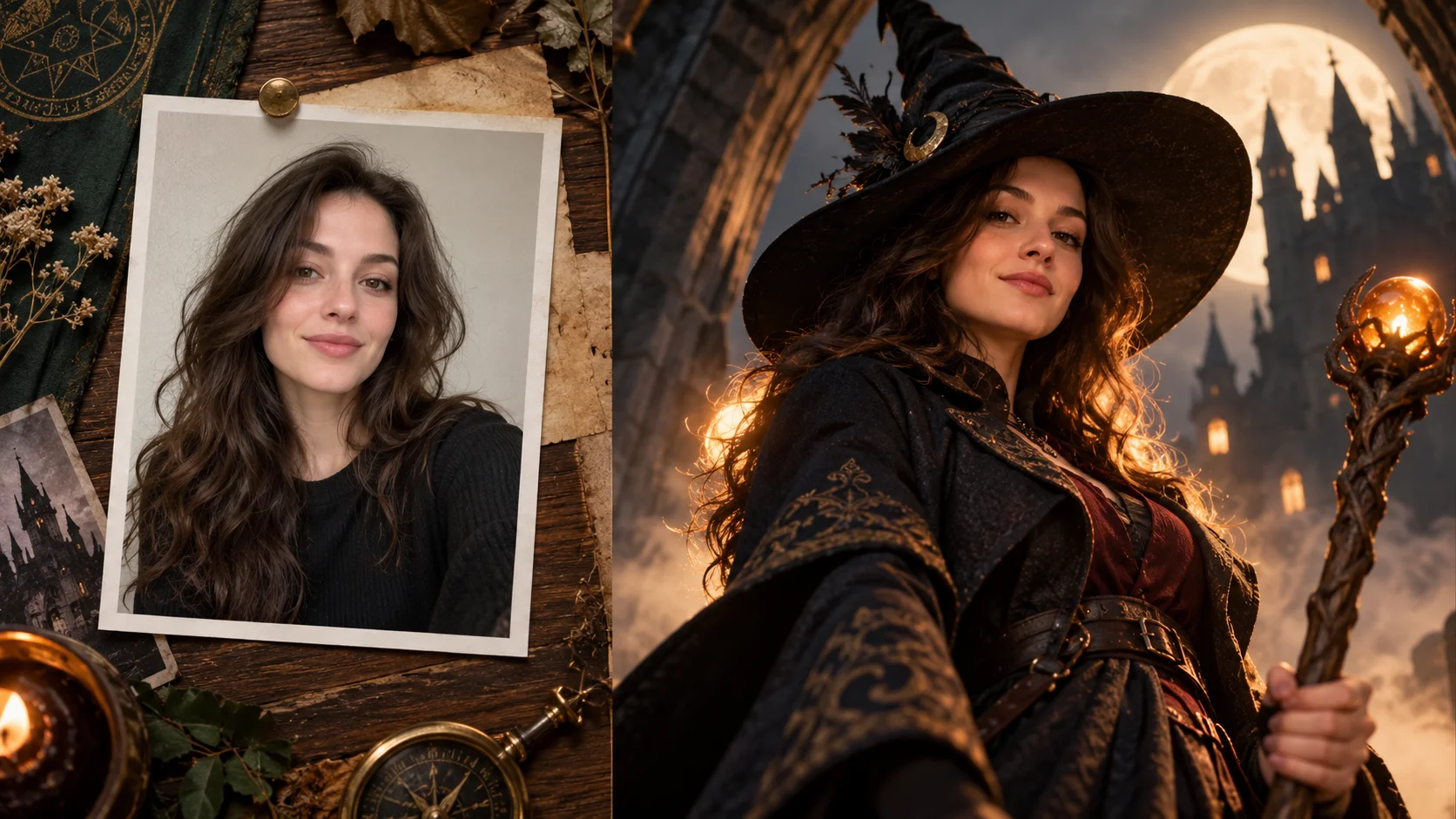
A portrait reference or written character brief leads to an original adult fantasy concept.
History
The answers before you start
What does this tool make? Female Malfoy AI is a fantasy-portrait direction built around platinum hair, a composed expression and dark academic tailoring. Describe an original adult character, or use an adult portrait to guide the pose and face.
How do I start? Choose Image to Image for a photograph-led edit, upload the reference and describe one specific change. Text to Image starts from words and needs no uploaded image.
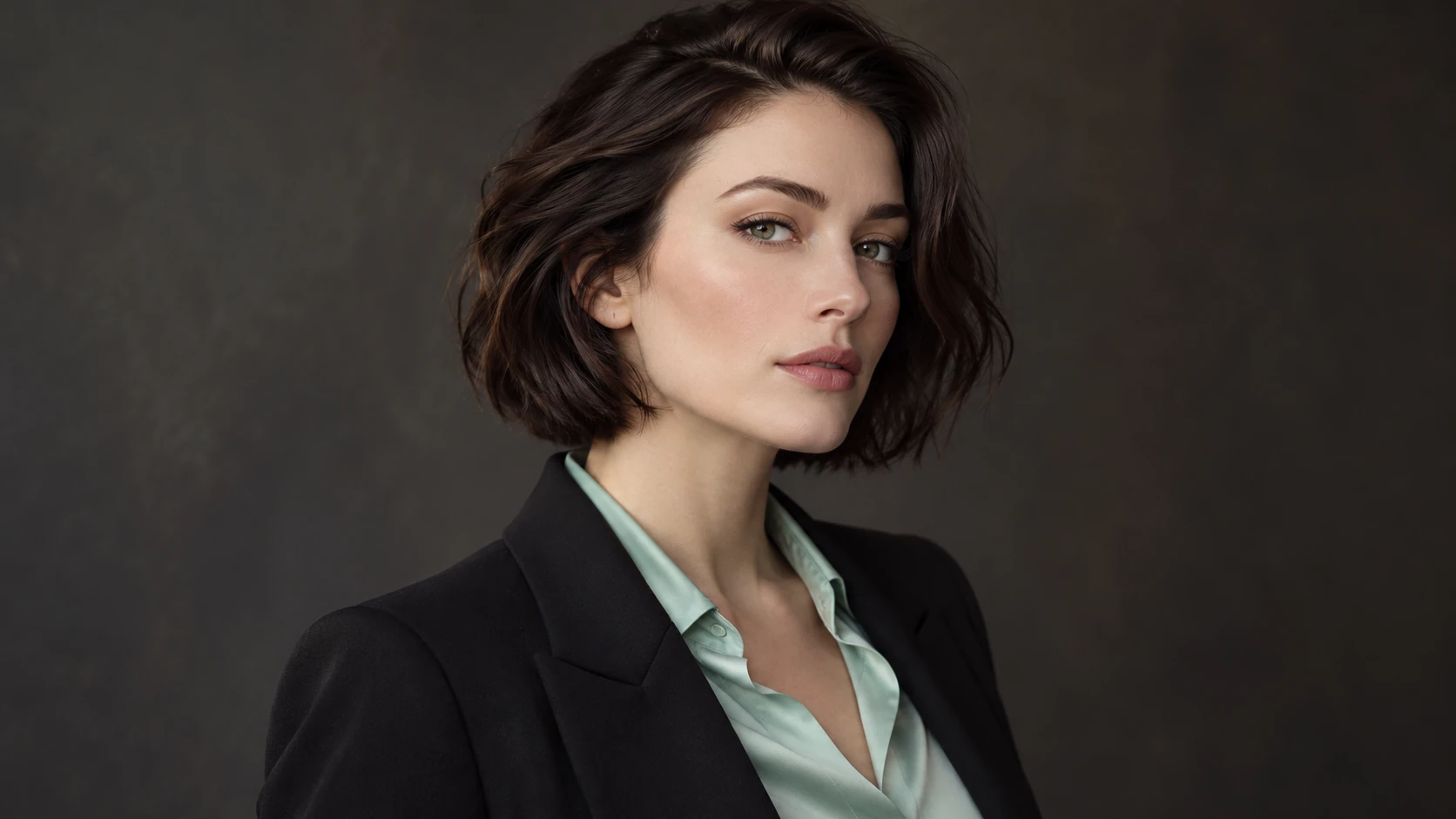
Which photo should I upload? For a reference-led portrait, upload one clear adult face at a front or mild three-quarter angle. Keep the brow and eyes visible. Plain clothing and even light leave room to develop the fantasy wardrobe and atmosphere.
Can I try it for free? You can read the guide and prepare the description before submitting. A generated image uses the quoted credits. Check your available balance and any current offer in the generator or Pricing before choosing to run it.
How much does a result cost? Use the live quote beside the generation action for this image. Changing the model or output settings can change that quote, so read it again before each new request.
When can I see the result? After submission, open History to follow the task. Queue demand, model and output settings affect completion. Preparing a photo or editing the description alone does not start a task.
Female Malfoy AI is a fantasy-portrait direction built around platinum hair, a composed expression and dark academic tailoring. Describe an original adult character, or use an adult portrait to guide the pose and face. Use the nearby generator to prepare a focused version, then compare the result with your reference.
A portrait reference or written character brief leads to an original adult fantasy concept.
1
Prepare the portrait input
Start in edit mode if you have a photo reference. Choose a clear, evenly lit portrait with the face large enough to read. Avoid heavy filters, tilted angles and busy backgrounds. If you skip the upload, describe the adult subject in the editable prompt instead. Keep the reference optional and keep expectations realistic: resemblance is not guaranteed.
2
Choose the direction
Write the scene like a shot list. Name the lens feel, camera height, subject placement and negative space. Set the gothic interior and robe fabric in the prompt. Use the model controls to steer the look rather than stacking adjectives. Decide whether you want a formal seated portrait, a three-quarter turn or a wide hall with the figure small in frame.
3
Check the quote, then review
Read the live credit quote before starting. Sign in to your account, launch the generation job and wait for it to finish. Open History to compare variations side by side. Keep the prompt and settings that worked, then adjust one variable at a time. Nothing here promises a free allowance; the displayed quote governs the job.
Keep the important details readable
Inspect the hairline, eyes, robe closures and lighting on the face. A few consistent features usually create a stronger character than adding many unrelated fantasy objects. For this direction, explicitly retain the adult character’s identity, readable expression and coherent wardrobe details.
Scenes worth directing
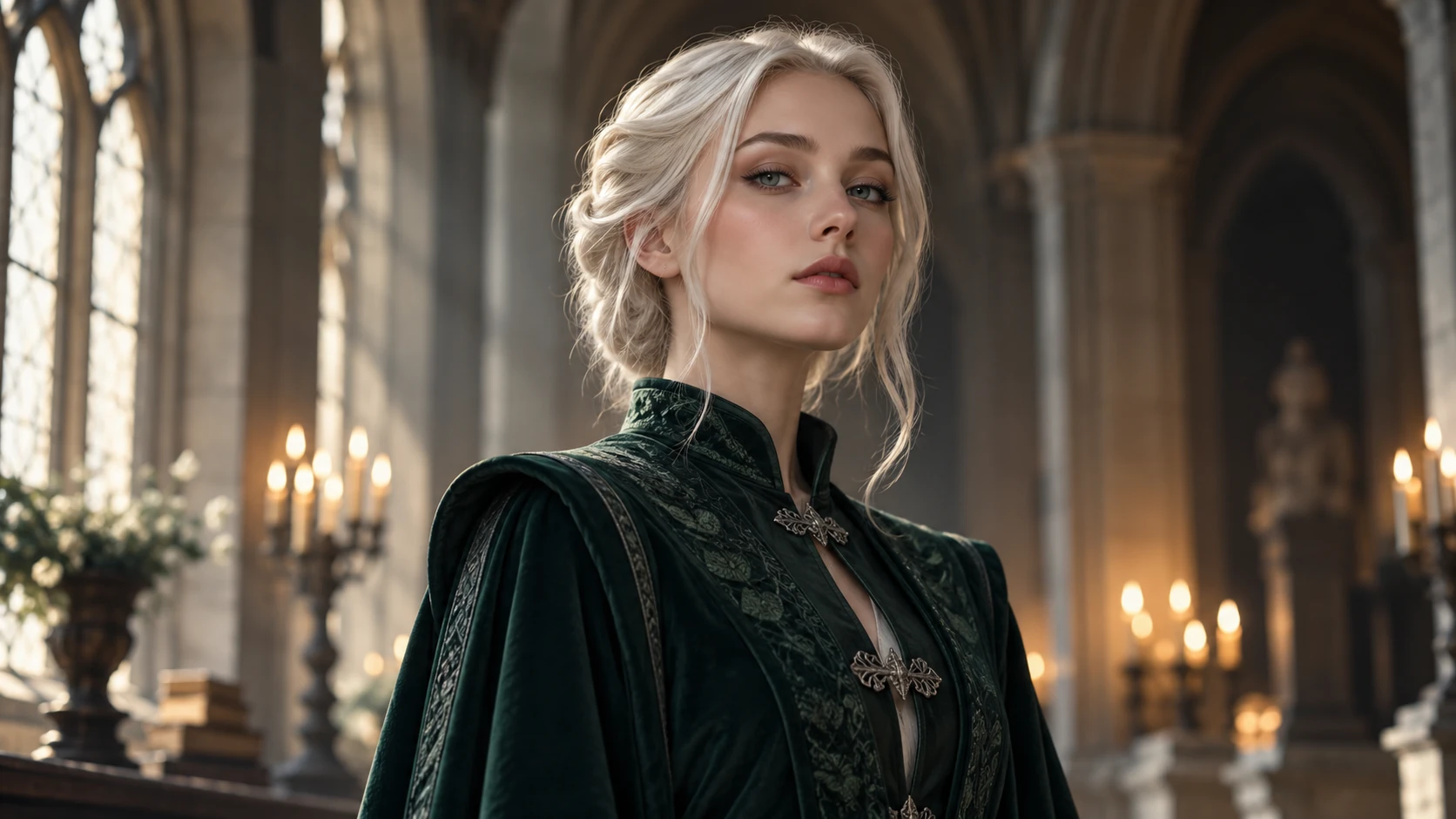
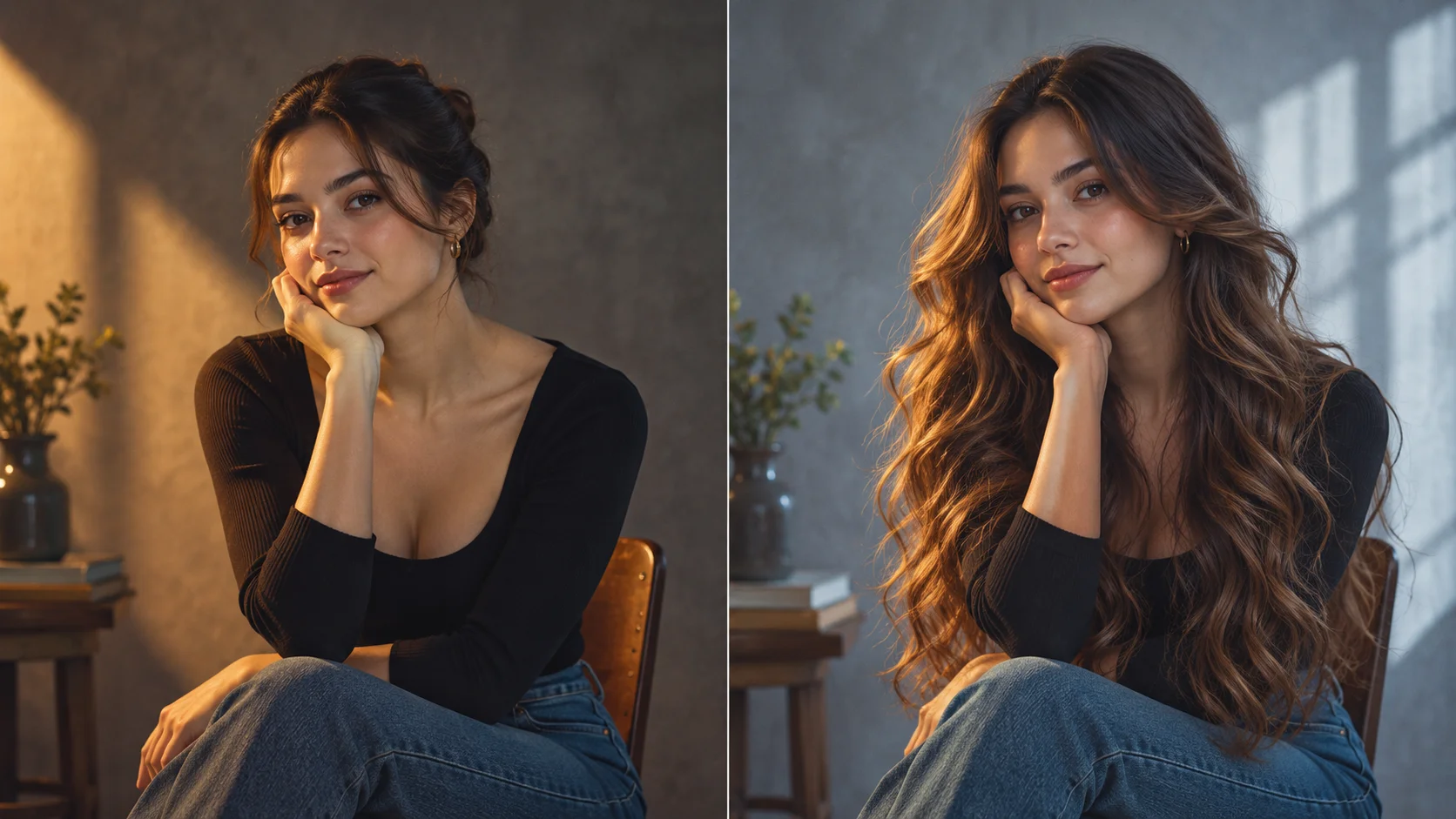
A cool portrait palette and restrained tailoring establish the fantasy-academy mood.
The portrait above the stair
Frame an adult woman in a dark robe on a stone staircase, shot from below with a 35mm feel. Put a tall arched window behind her and let cool daylight rim the platinum hair. Keep the background dark and uncluttered.
The library interview
Seat the subject in a high-backed chair between bookshelves. Use a 50mm lens feel, eye-level camera and soft side light. Ask for a composed, guarded expression and a robe with visible tailoring at the collar and cuff.
The corridor wide shot
Place the figure far down a gothic corridor, centred, with strong leading lines and deep shadow. Specify a wide lens feel and cool colour grade. The small figure against the architecture creates tension without relying on a close-up.
Before you commit a job
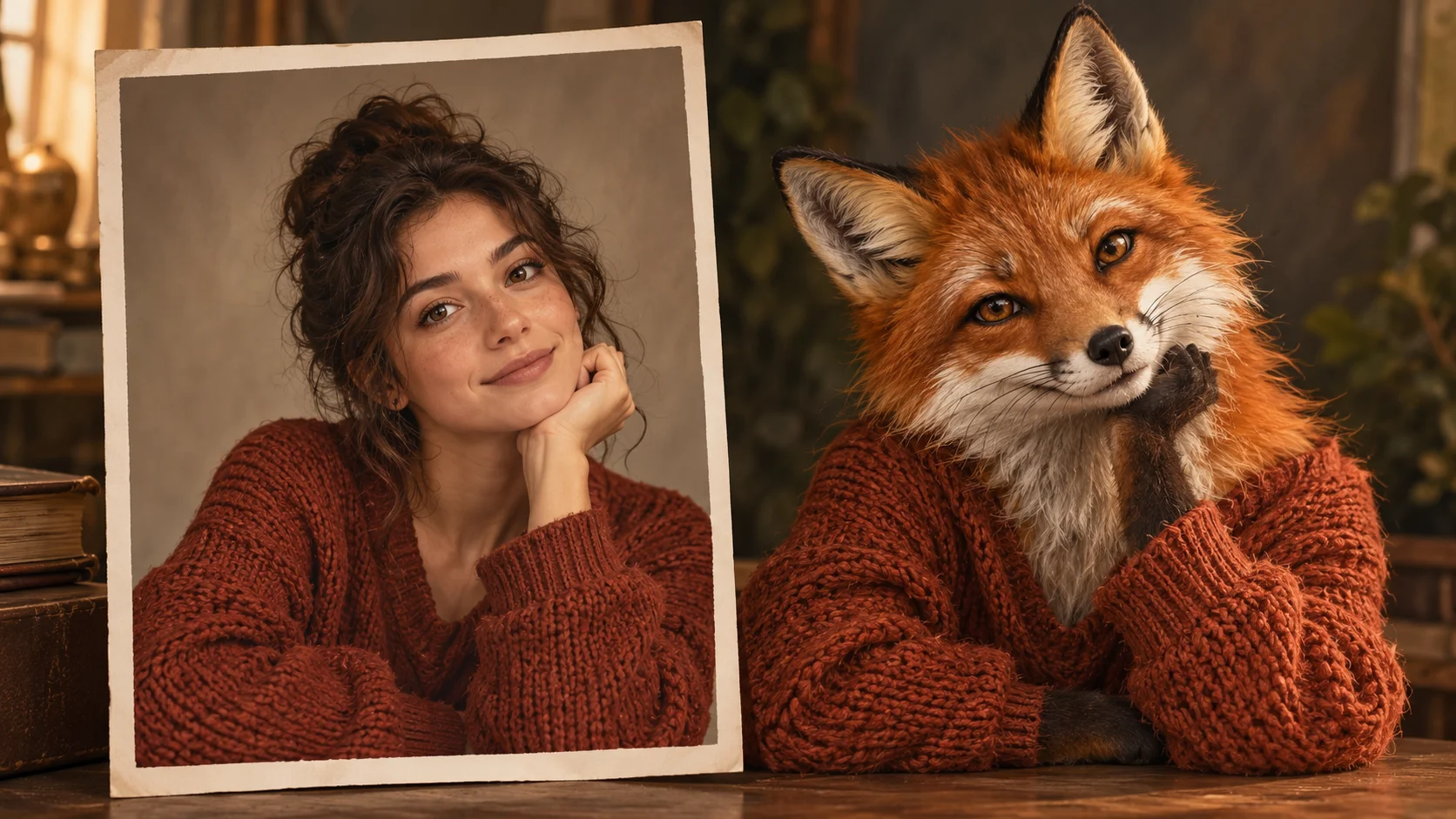
Use an unobstructed adult face when a personal portrait should guide the character.
For a reference-led portrait, upload one clear adult face at a front or mild three-quarter angle. Keep the brow and eyes visible. Plain clothing and even light leave room to develop the fantasy wardrobe and atmosphere.
Write the camera choice in the first line of the prompt, then styling, then setting.
Use edit mode only with a photo you have the right to use, and expect variation rather than an exact match.
Read the live credit quote and check History before starting a second run.
Write a direction you can compare
Name the change first, then name the details that should stay. For this female malfoy ai generator request, keep the adult character’s identity, readable expression and coherent wardrobe details. A short, specific direction gives you a useful basis for comparing the next version.
Create an original adult female fantasy-academy portrait from this face reference. Use swept-back platinum hair, an emerald-black tailored robe, small silver fastenings and calm confidence. Keep the character original, with soft light from a gothic window.
Inspect the hairline, eyes, robe closures and lighting on the face. A few consistent features usually create a stronger character than adding many unrelated fantasy objects. When you revise, keep the other inputs steady. That makes it easier to tell whether a wording change helped the image.
Credits, waiting and the next version
The quote belongs to the actual model and output settings selected in the generator. A different model, aspect ratio or available resolution may change the cost. Check the current amount where you generate, and use Pricing when you need to compare the site’s available purchase options. Any free-credit offer depends on the eligibility and terms shown there.
Once submitted, follow the existing task in History while it is queued or processing. The chosen model and current demand affect how long it takes; this guide does not set a fixed delivery time. Inspect the completed image at a useful size before paying for another version. If you want an adjustment, keep the original photo and describe the one change you need.
Direction questions
Can I specify a camera and lens feel in the prompt?
Yes. Describe the lens feel, camera height, framing and depth of field in plain language. The generator responds to written direction, though results vary between runs. Treat the prompt as guidance, not a guaranteed technical specification.
Is a photo reference required?
No. Upload is optional and sits in edit mode. You can generate from a written prompt alone. If you do upload, use an image you have permission to use and understand that exact likeness is not promised.
How do model controls affect the portrait?
The controls steer the generation alongside your prompt. Change them deliberately, one at a time, and compare results in History. That way you can tell whether a shift came from the prompt or from the settings.
Does this produce an official franchise character?
No. The page describes an original adult fantasy-academy portrait with platinum hair and aristocratic styling. It makes no claim of official franchise affiliation and does not promise an exact actor likeness or guaranteed resemblance.
How does the credit quote work?
A live credit quote appears before you start a generation job. Sign in to your account to run jobs and review them in History. No free allowance is advertised here; the displayed quote is the figure that applies.
How can I make a useful second version?
Keep the original reference and the version you want to improve. Inspect the hairline, eyes, robe closures and lighting on the face. A few consistent features usually create a stronger character than adding many unrelated fantasy objects. Change one part of the description, such as position, shape or light, so the next result answers a clear question.
Direct your first frame
Write the camera line, set the gothic interior and run one portrait, then compare it in History.